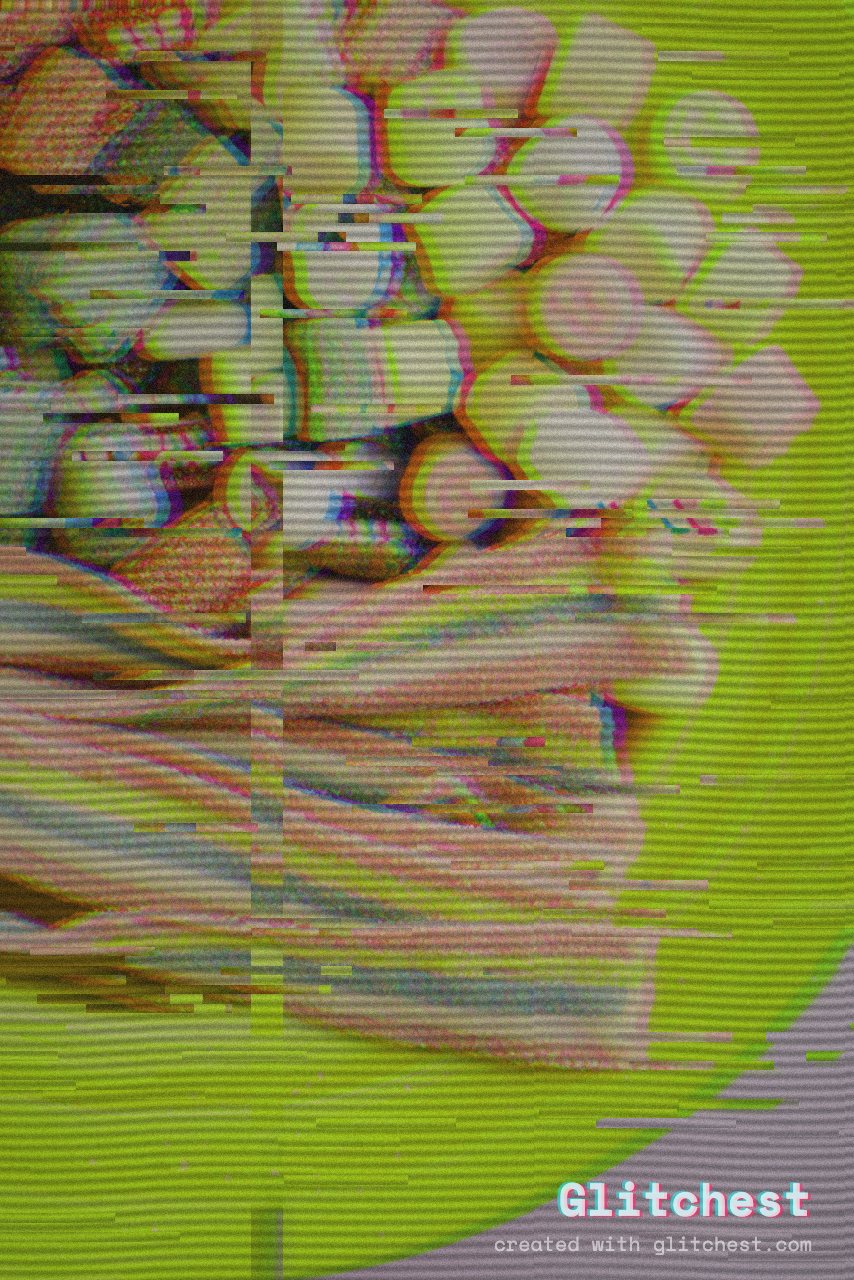
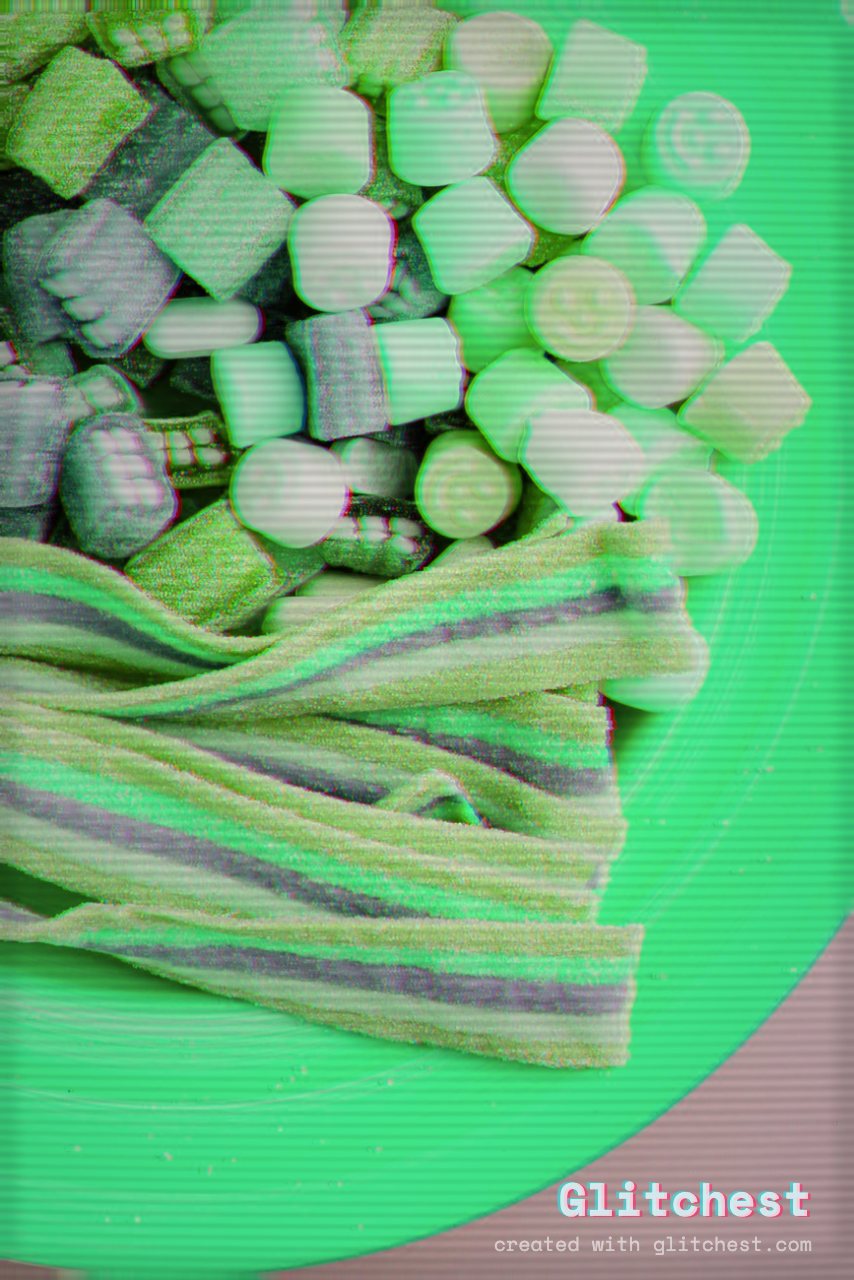
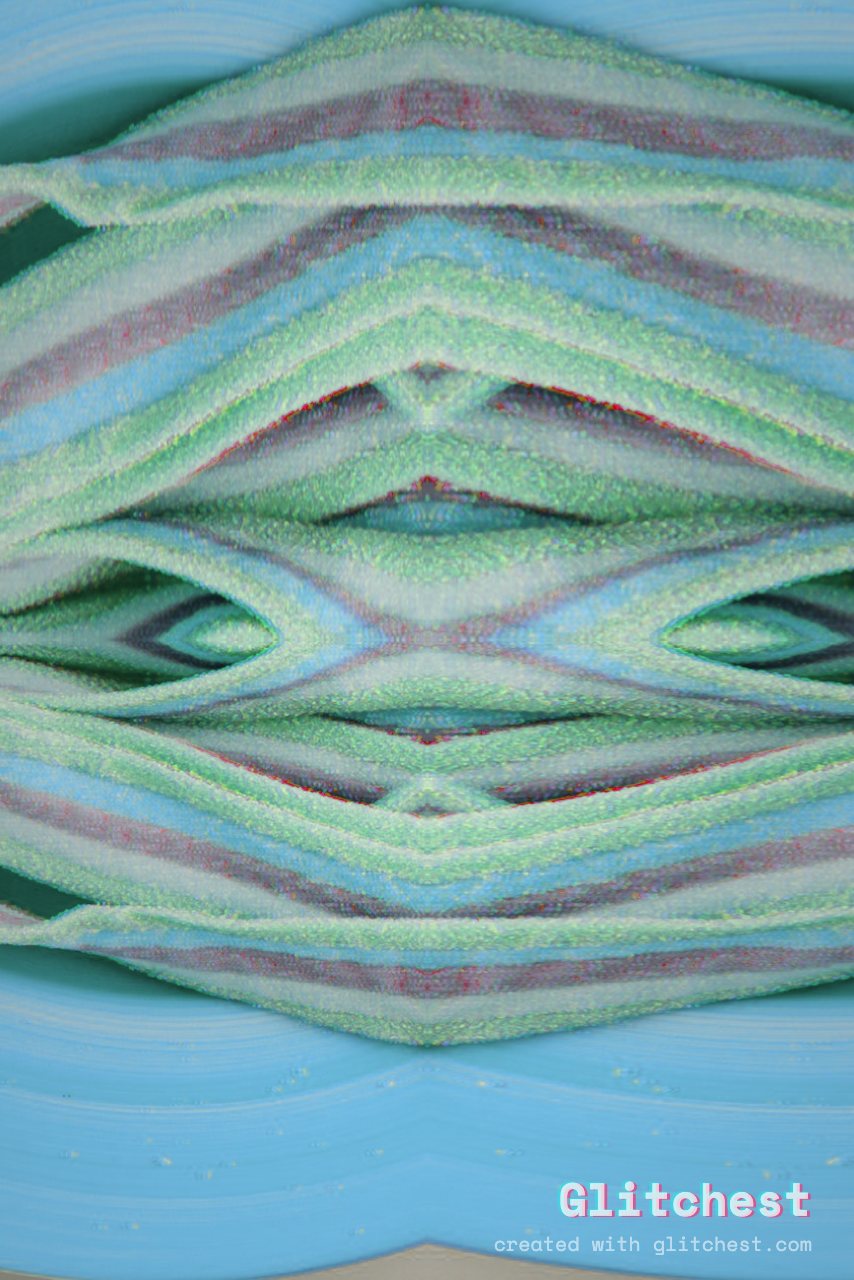
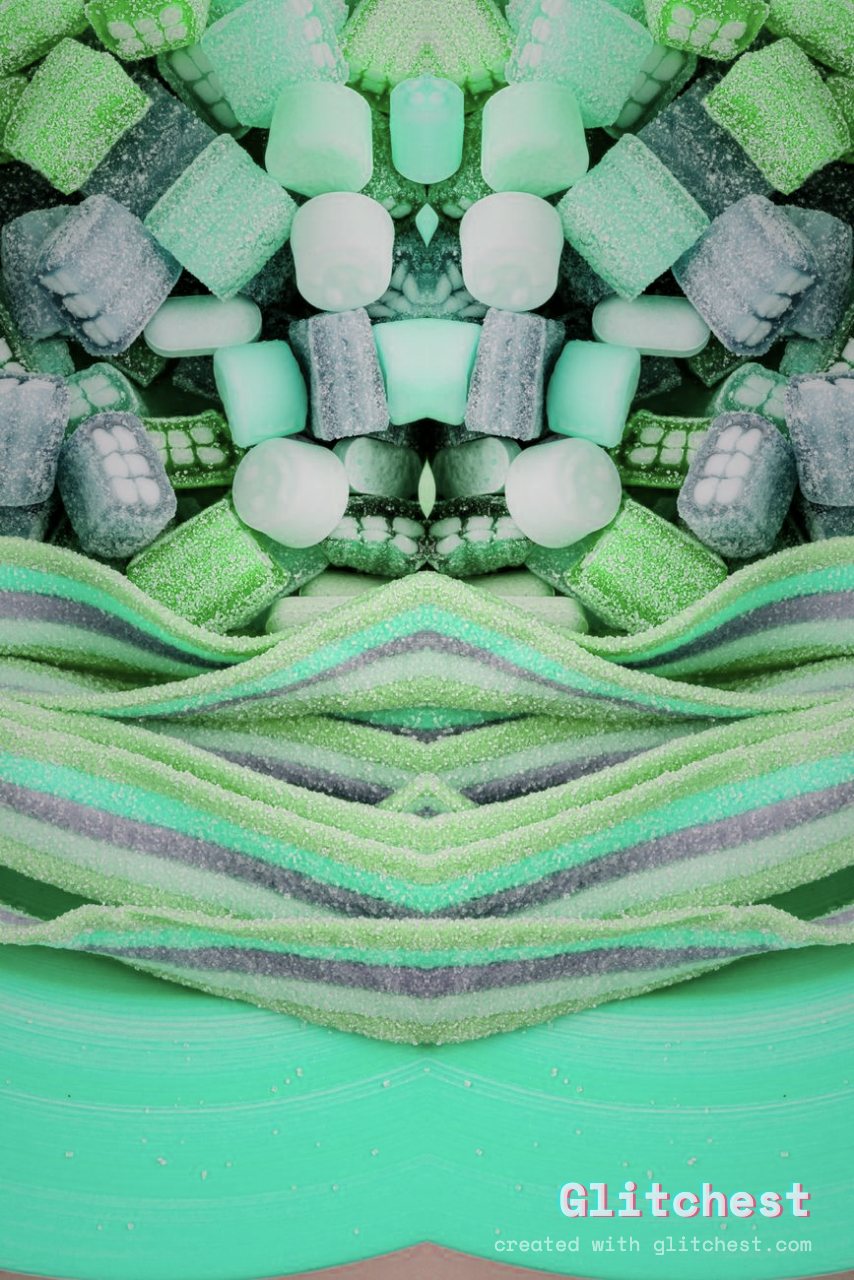
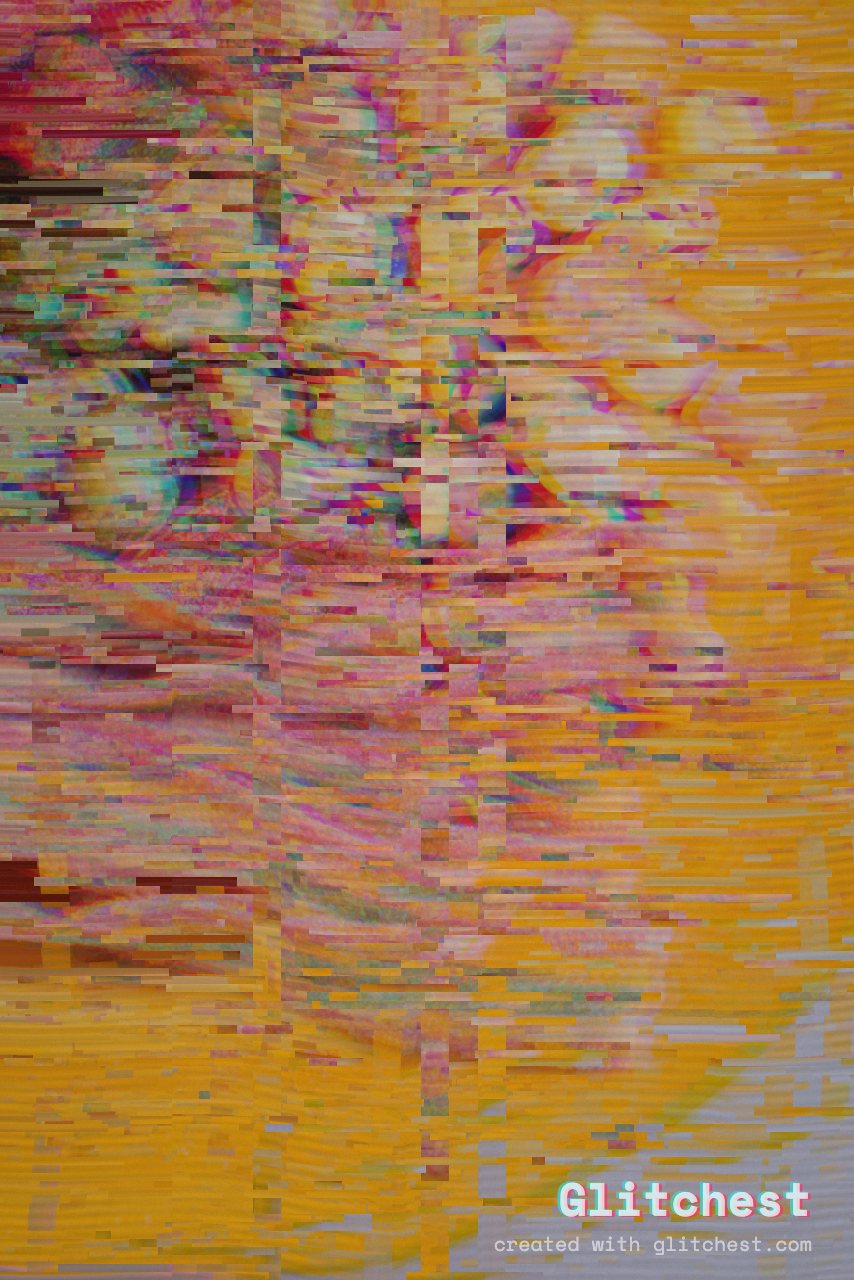
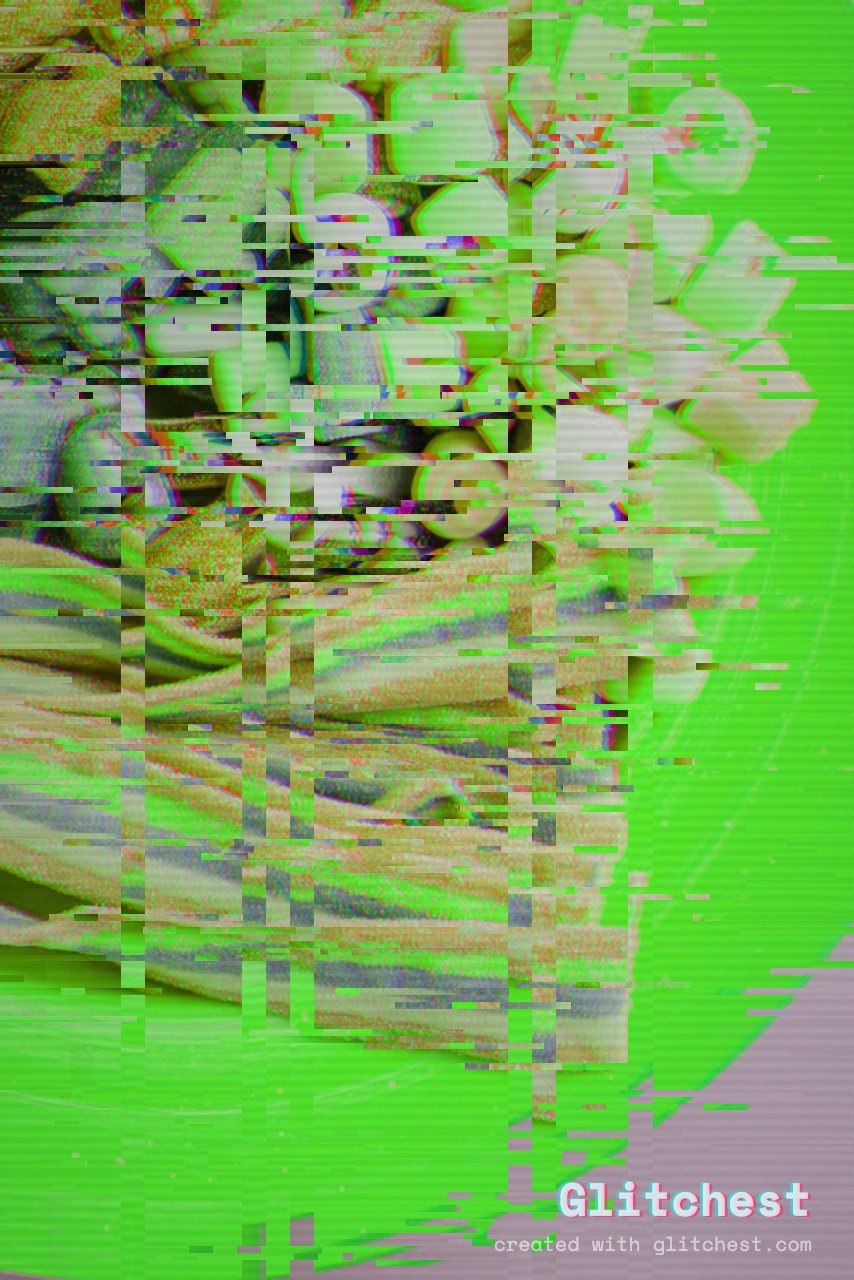
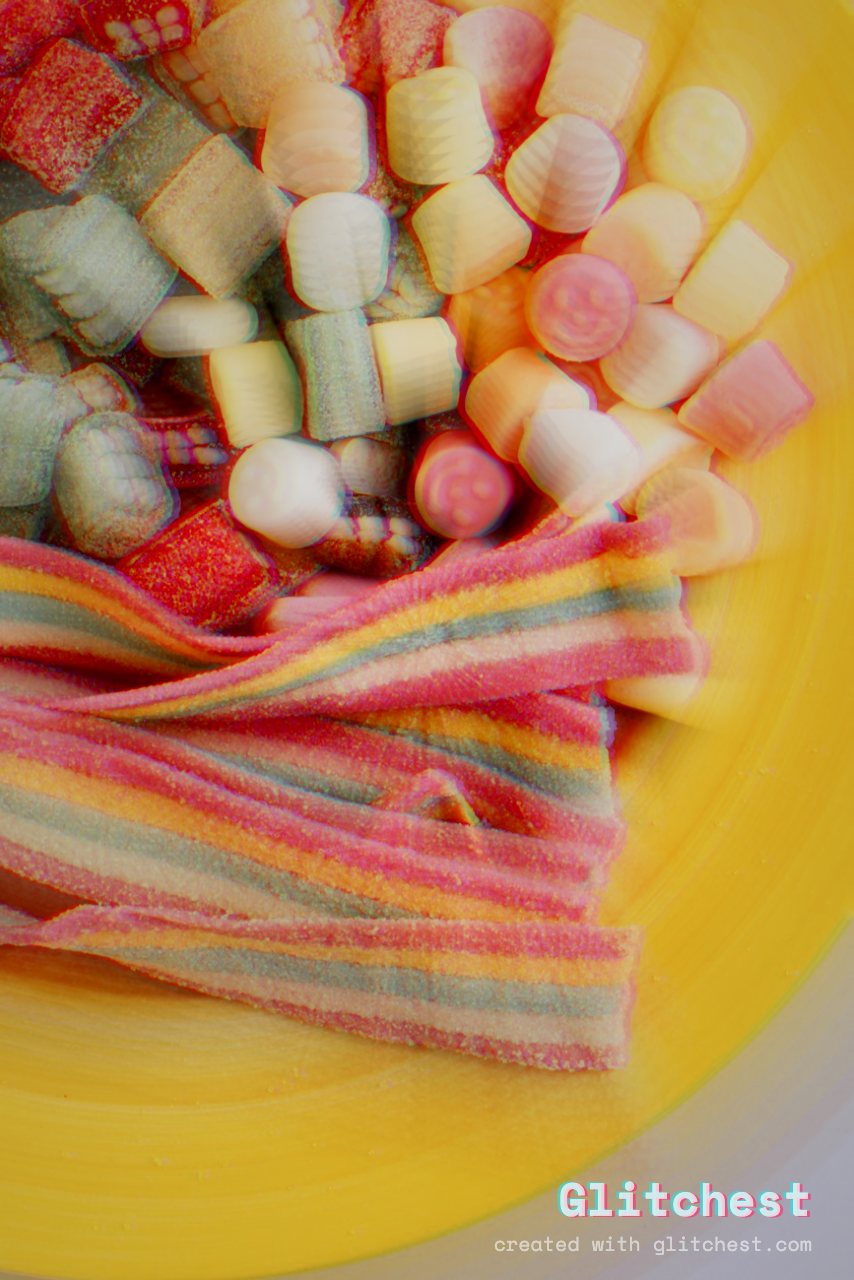
One photo · thirty looks
One click. Completely different.
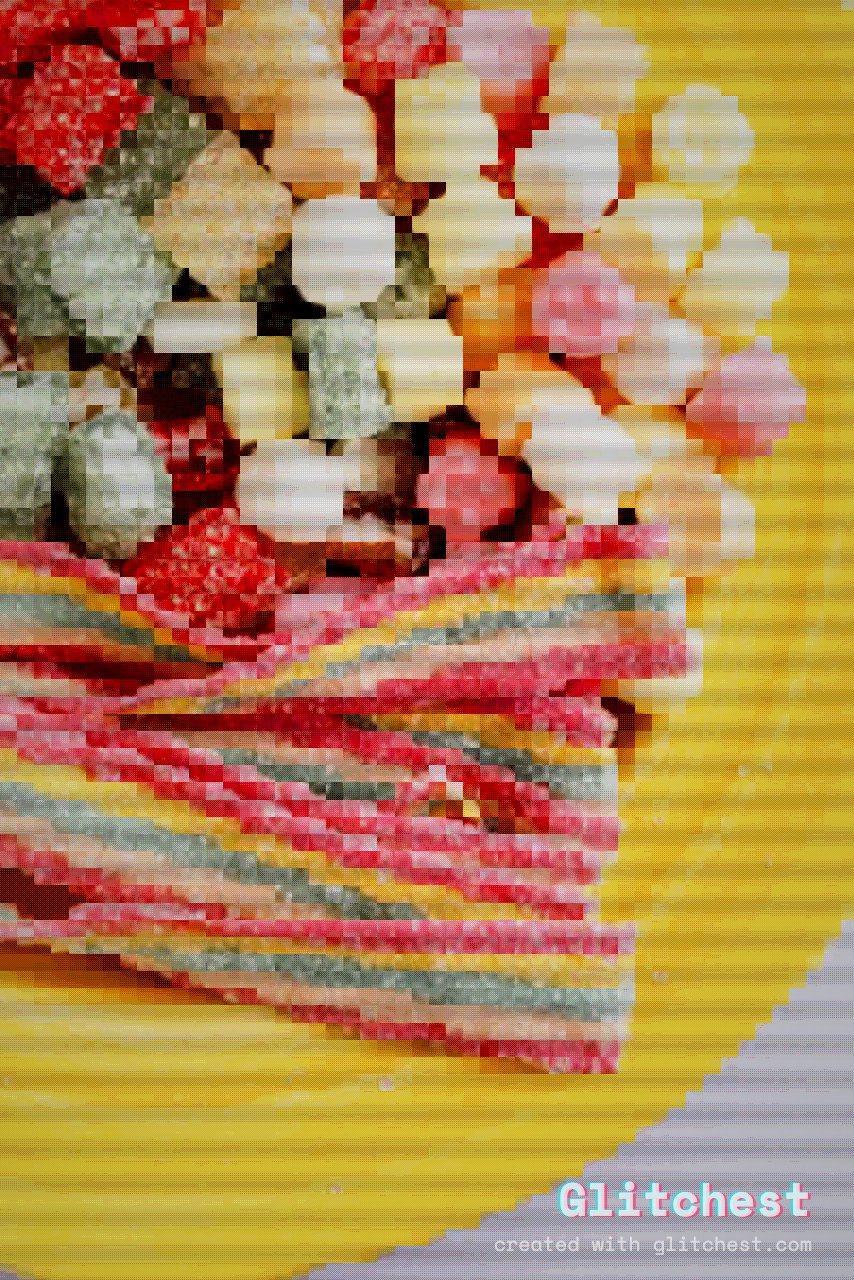
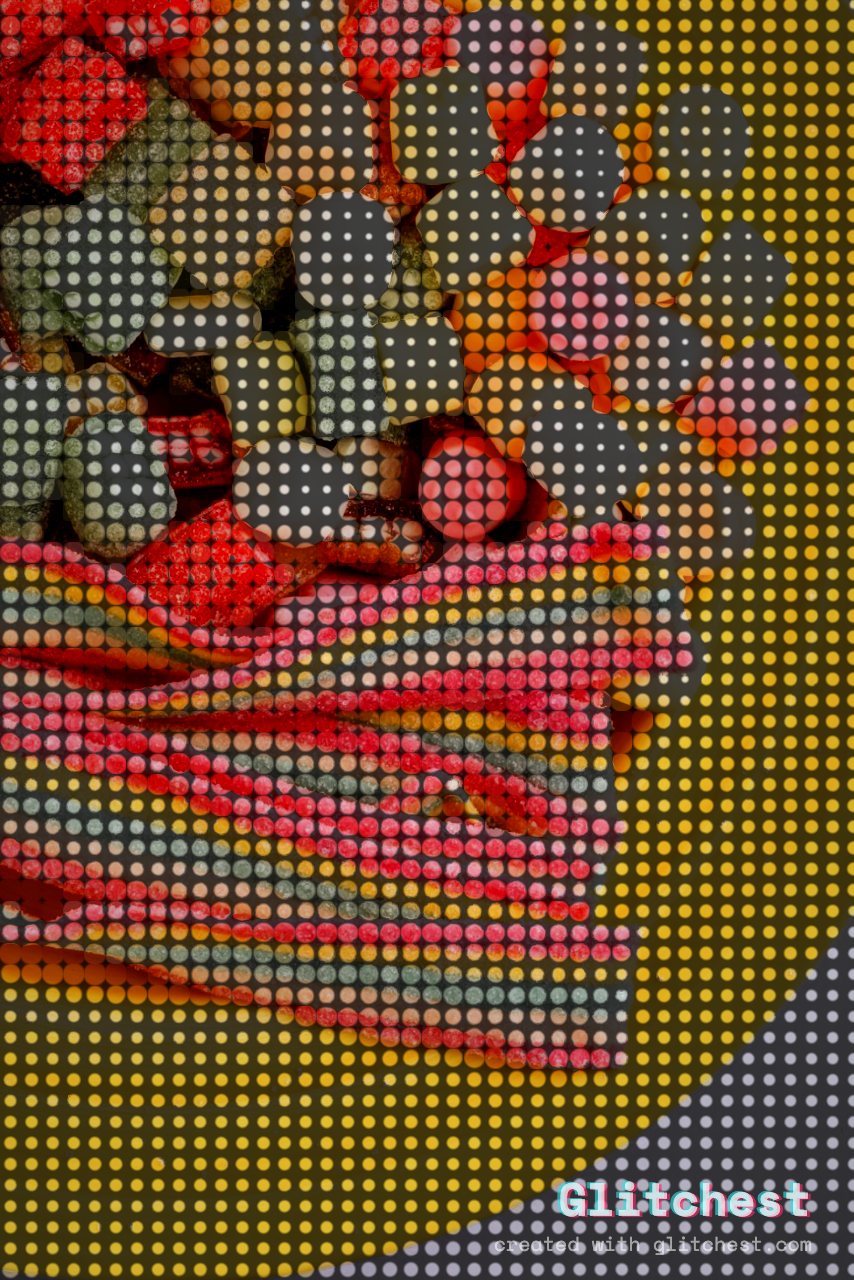
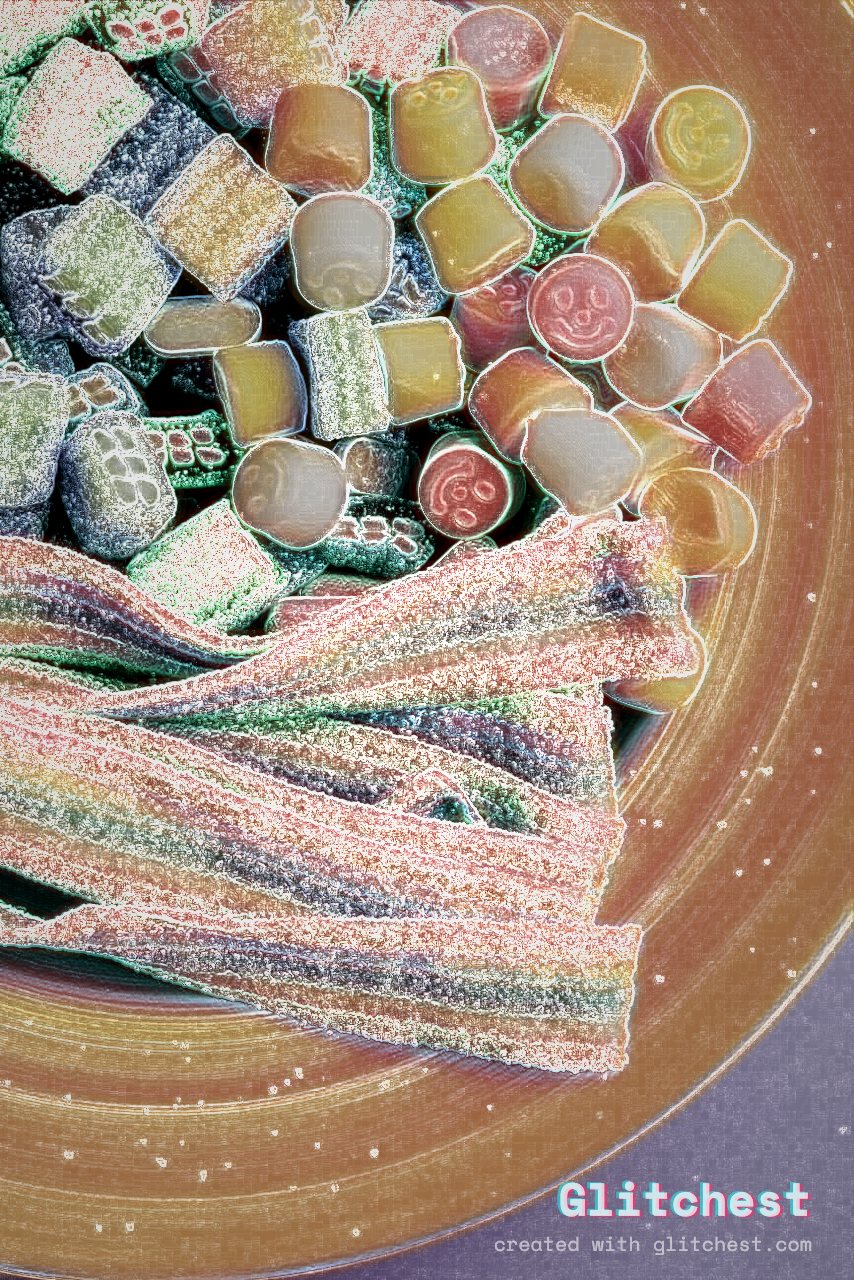
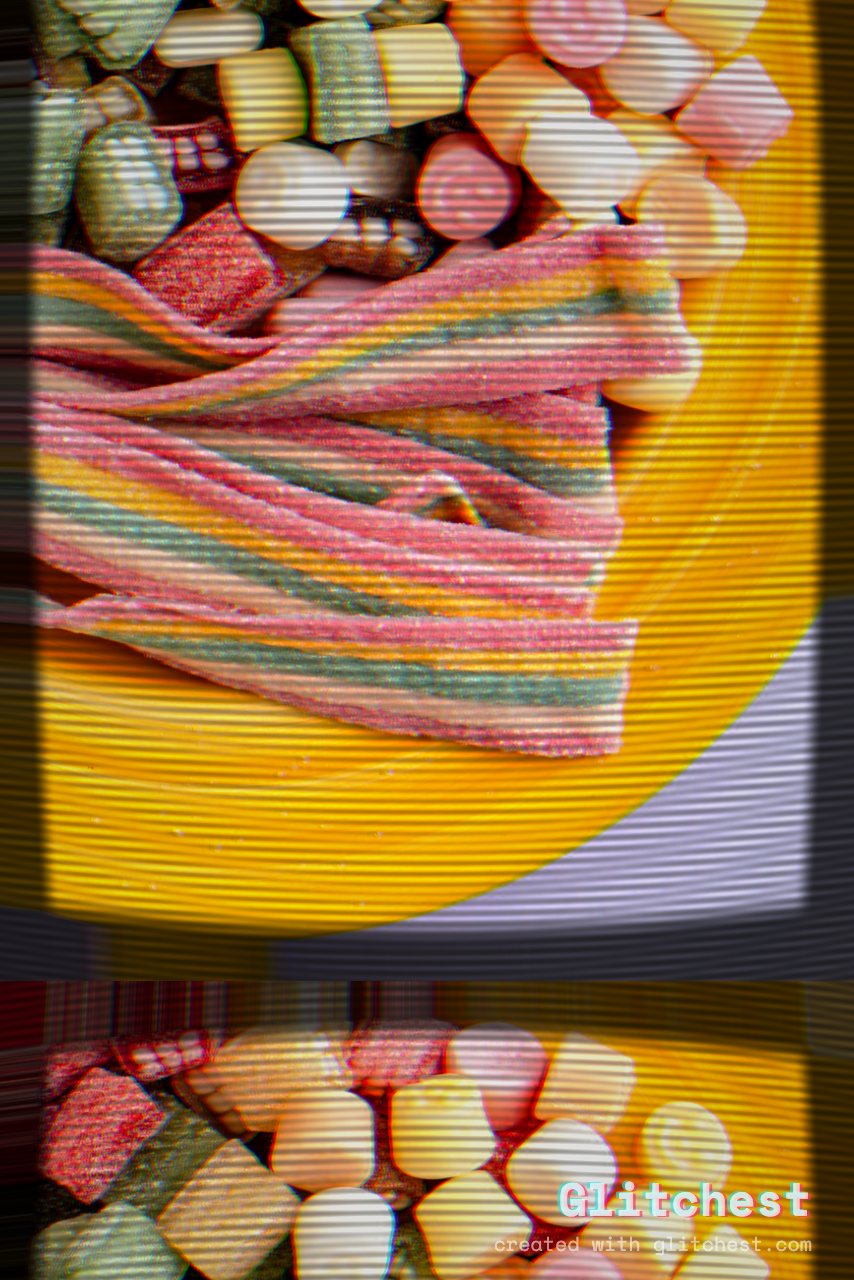
Every tile below is the real editor's export of the same photo — no mockups. Tap one to open it, or see all 30 side by side →
30 one-click presets — VHS, datamosh, CRT, retro-game and more — plus 46 effects you can layer on a timeline, all in your browser. Export a clean MP4. No account, nothing ever uploaded.
Every tile below is the real editor's export of the same photo — no mockups. Tap one to open it, or see all 30 side by side →
Start from a preset, then bend every knob until it looks exactly wrong. No install, no plugins, no render farm — it's just a web page.
VHS, datamosh, CRT, retro-game, kaleidoscope and more — one click to a finished look, then fine-tune with 46 knobs.
Stack effect boxes over your clip, fade them in and out, and layer looks — so the chaos hits exactly on the beat or the cut.
Rectangle or ellipse masks confine the glitch to a face, a logo, or anything you choose.
One dial travels from 1920s film grain through VHS to modern digital glitch.
Hardware-accelerated WebCodecs export keeps your original audio track intact.
Glitch a photo and Save Frame as PNG — perfect for cover art, thumbnails and avatars.
Drop in a video or image. It stays on your device — nothing is uploaded to a server.
Choose a starting look, then push the knobs, add a mask, and drop effect boxes on the timeline.
Render an MP4 with audio, or grab a still as PNG. Drop it straight into your Reel or feed.
Slam a hard glitch on the first frame to stop the thumb and lift your view count.
Producers glitch a still and export a frame for a single in under a minute.
Tape dropouts, rolling static and signal loss for that unsettling found-footage vibe.
One glitched frame in a grid of clean ones wins the click every time.
Yes — completely free. No account, no paywall on export.
No. Everything runs locally in your browser with WebCodecs, so your video and images never leave your device.
30 one-click presets and 46 effects — VHS, datamosh, CRT, kaleidoscope, retro-game, pixelate, blur, zoom blur, neon outline, chromatic aberration, scanlines and more. Start from a preset and fine-tune with knobs, masks and an effect-box timeline.
Yes, on any browser with WebCodecs — Chrome or Edge on desktop and Android, or Safari on iOS 16.4 and later.
Yes. Load an image, apply effects, and use Save Frame to export a glitched still as a PNG — perfect for cover art, thumbnails and avatars.
Practical walkthroughs for the looks everyone's asking about. See all →
Free forever. Nothing to install. Your footage never leaves your device.
Open the free editor →