Dead Signal Horror Look: Cold Analog Dread Recipe
Dead Signal Horror transforms pristine digital video into an illicit, late-night transmission intercepted from an abandoned channel. By stripping away all warmth and drenching the frame in caustic static, rolling scanlines, and unstable vertical jitter, this look summons the dread of a cursed broadcast flickering on a neglected television tube in an empty room.
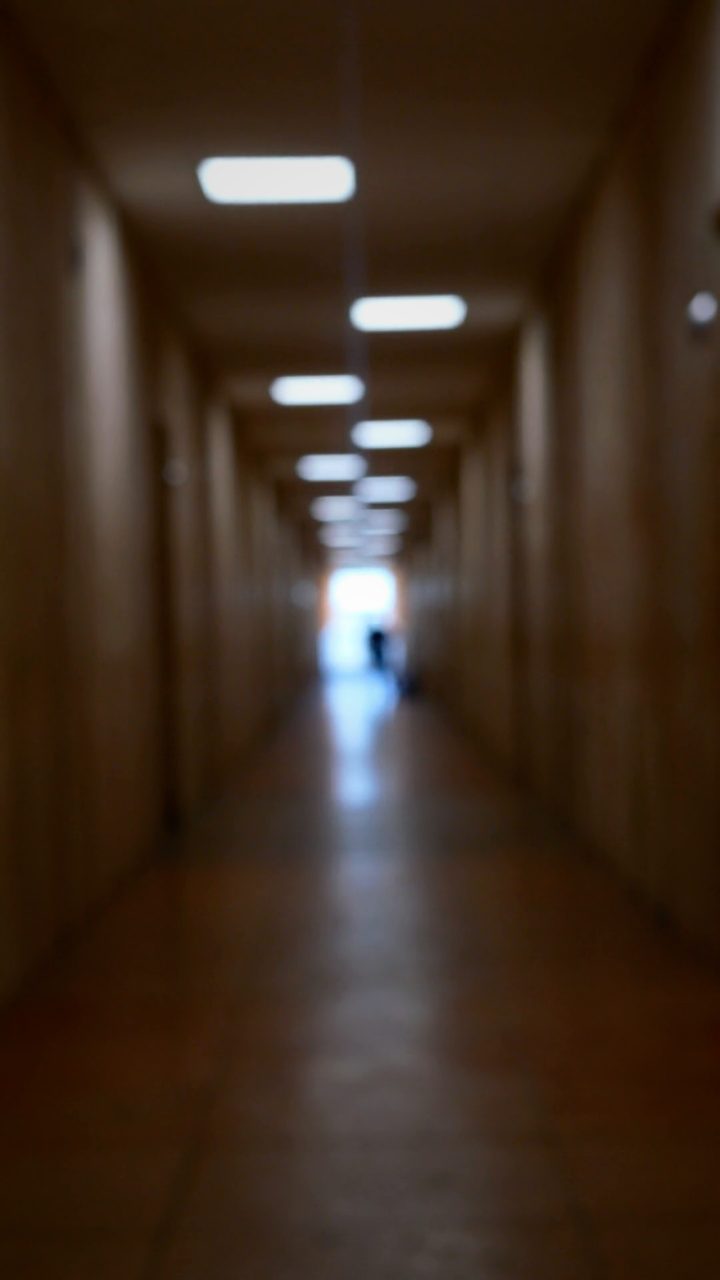 BEFORE
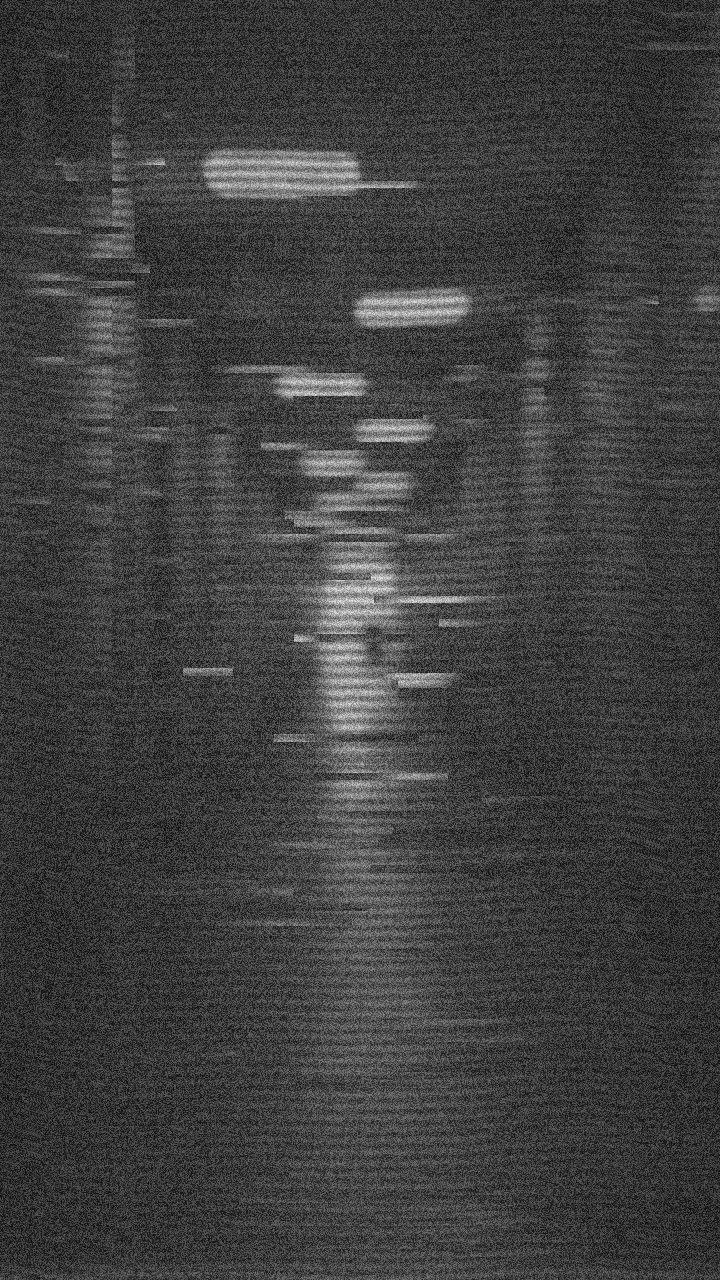 AFTER
AFTERWhy this look works
The Tension of Restraint and Interference
The terror in this aesthetic stems from atmospheric degradation rather than explosive destruction. Complete desaturation paired with dense noise and prominent scanlines does the heavy lifting, crushing clinical digital sharpness into the murky textures of early cathode-ray tubes. Retaining a moderate master strength keeps the underlying subject discernible, ensuring viewers strain their eyes to decipher what is lurking beneath the static.
Subtle mechanical instability turns passive static into an active, unsettling threat. Layering gentle horizontal and vertical waveform ripples against intermittent vertical frame slips creates the illusion of failing broadcast synchronization. Keeping block artifacts, chaos, and data trails tightly reined in prevents the video from collapsing into modern digital corruption, anchoring the eerie feeling strictly in analog distress. Overcranking the glitch width or chaos destroys that fragile verisimilitude, dissolving quiet narrative dread into chaotic digital whiteout.
The recipe
Start from the Dead Channel preset, then set:
| Strength (master) | 46 |
| Glitch Rate | 22 |
| Glitch Width | 24 |
| Block Size | 25 |
| Chaos | 26 |
| Datamosh (trail) | 12 |
| Horizontal Wave | 30 |
| Vertical Wave | 22 |
| Vertical Shift | 15 |
| Vertical Shake | 30 |
| RGB Split | 10 |
| Grayscale | 100 |
| Noise | 88 |
| Scanlines | 86 |
| Flicker | 60 |
Everything else stays at its default — tweak it, then copy your own look as JSON or a link from inside the editor to share it.
What footage suits it
This effect relies on silhouette and shadowy ambiguity to build suspense. Frame your shots intentionally to let the static swallow fine details:
- High-contrast lighting: Single-source illumination, harsh backlighting, or deep shadows where static can fester.
- Slow, deliberate movement: Unhurried camera pans, lingering hallway walks, or nearly motionless subjects staring directly toward the lens.
- Uncanny subject matter: Abandoned interiors, emergency broadcast cards, empty woods at dusk, or partially obscured portraits.
Avoid brightly lit, hyper-colorful daytime scenes or rapid handheld whip-pans, which fight the slow, creeping dread of the interference.
Common mistakes
- The image shatters into illegible confetti: If the frame breaks into completely unreadable pixel chunks, your Block Size is set too high; dial it back down to restore recognizable silhouettes.
- The video feels like broken software instead of a tube TV: If modern compression artifacts dominate the screen, lower Datamosh and Chaos so the analog scanlines and noise take center stage.
- Distracting strobe ruins the suspense: If erratic brightness flashes overwhelm the narrative rather than enhancing dread, soften the intensity using the Flicker slider.
When to use it
Whether crafting episodic web fiction or setting an ominous stage for longer narratives, this treatment delivers instant unease across several formats:
- Analog horror series: Emulating forbidden tapes, lost EAS dispatches, or pirate broadcast hijacks.
- Creepypasta and spooky story intros: Establishing a chilling, authentic mood before narrating urban legends.
- Indie psychological thriller teasers: Building dread across trailer title cards, surveillance cutaways, and subliminal inserts.
- Halloween party visual loops: Projecting haunted retro broadcast noise onto weathered walls or vintage CRT monitors.
Jump into the editor to test the configuration directly in your browser. For a deeper breakdown of related tape-decay mechanics, check out our guide on the Dead Signal Horror Look Recipe: Cold Analog Distress. If the total monochrome feels too stark for your specific scene, try easing Grayscale down just a touch to let a ghost of sickly pale green or rusted amber bleed through the static.
Try it now — add this look to your own clip, free and in your browser.
Open the editor →FAQ
Why is the color completely stripped for this look?
Full desaturation mimics vintage security monitors and dead-channel transmissions, cutting all comforting warmth to amplify psychological vulnerability.
How do I keep text or warning cards legible through the heavy noise?
Slightly reduce the Noise knob or thicken your source typography so graphic warnings punch clearly through the scanlines and vertical jitter.
Can I use this look on modern 4K smartphone footage?
Yes, the procedural static and scanlines render cleanly across any source resolution, instantly stripping clinical mobile sharpness away.