The Best Free VHS Filter Online (No Upload)
Finding an authentic old vhs filter means recreating the actual physical flaws of worn tape rather than applying a simple color tint. Glitchest stacks tracking distortion, tape wobble, chromatic bleed, and soft noise directly in your browser. It runs locally for free with no account needed and nothing uploaded to any server.
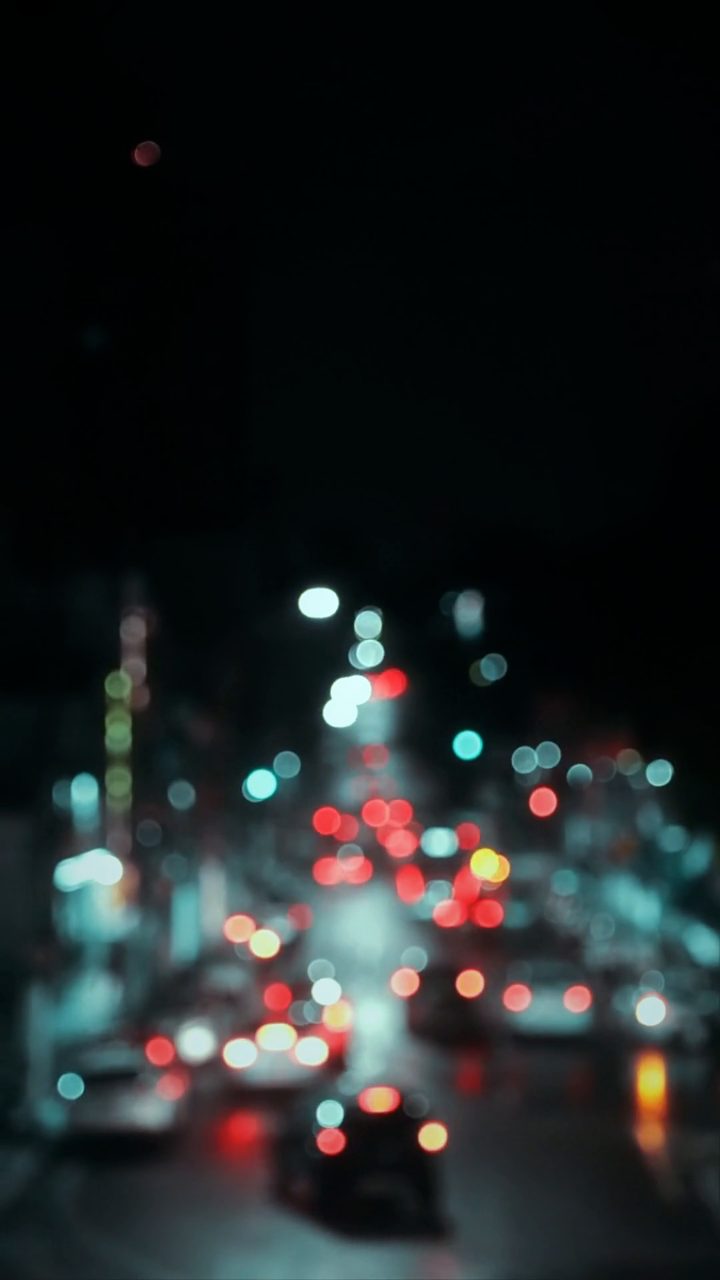 BEFORE
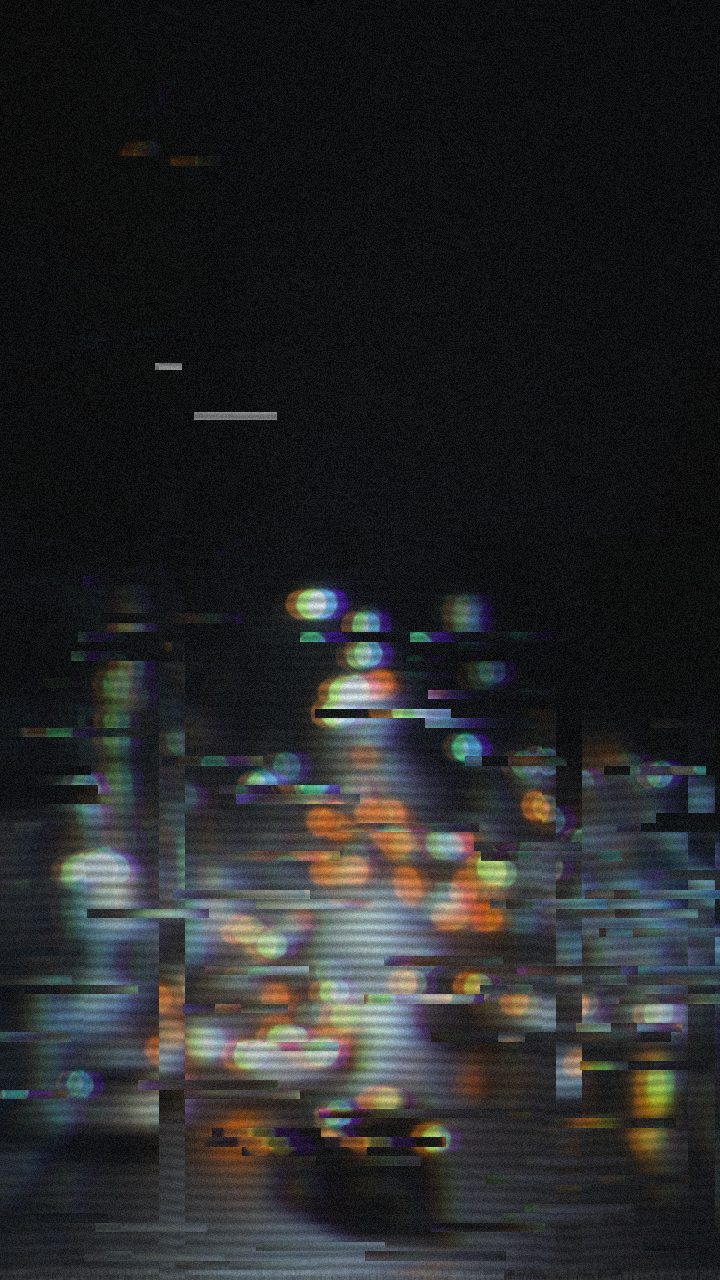 AFTER
AFTERWhat makes a VHS filter look real
Cheap filters slap a scanline texture on top and call it done. The result reads as "sticker," not "tape." A believable analog look needs several effects working together, each doing a specific job.
- Tracking lines — the horizontal bands and rolling glitches that appear when a tape head loses alignment. Subtle and intermittent beats constant and heavy.
- Chroma bleed — color smearing sideways past its edges, especially reds and blues. This is the single strongest tell that footage came off tape.
- Tape wobble — a gentle horizontal warble in the image as the tape stretches and the transport speed drifts.
- Noise and dropout — luminance grain plus the occasional white speckle where the magnetic signal briefly cut out.
- Low bitrate softness — VHS resolves far less detail than a modern sensor, so a slight blur and reduced contrast sell the era.
Get the ratios right and the eye fills in the rest. The trick is control, not intensity — you want to dial each element rather than max everything at once.
How to add a VHS filter online
The whole process runs in the browser and takes a couple of minutes.
- Open the editor. Go to the editor — no sign-up, no download.
- Load your clip. Drop in a video or image. It stays on your machine; nothing is sent to a server.
- Apply the VHS preset. Select the VHS preset for an instant tape look with tracking, wobble and chroma bleed already balanced.
- Tune it. Push tracking lines up for a worn cassette, or ease color bleed back for a cleaner "early digital camcorder" feel. Add an effect box with a fade-in and fade-out to make the glitching swell and fade instead of sitting flat.
- Export MP4. Render the result to a clean MP4. No length lock.
If you want the same treatment aimed at a specific source clip, the walkthrough on how to add a VHS effect to video covers pacing and clip length in more detail.
Fine-tuning without overdoing it
Start from the preset and change one thing at a time. Nudge chroma bleed first, because it carries most of the analog character. Then set noise so it is visible in shadows but not crawling across faces. Finally, add tape wobble last and keep it low — a little warble reads as authentic, a lot reads as broken.
What to look for in a free VHS tool
"Free" is used loosely online. Plenty of sites lead with the word and then stop you at the export screen. Before you invest time in a clip, check the tool clears these bars.
- No upload. Real in-browser processing keeps your footage local. If a site pushes your file to its servers, that is slower, less private, and often the setup for a paywall.
- A logo stamped across your export is the most common catch. Confirm the output is clean before you commit.
- No account. You should not need to hand over an email to grayscale a video. Sign-up walls usually gate the download, not the editing.
- A real export. Some tools only show a preview and charge to render. Look for an actual MP4 file you can save and use.
- Adjustable parameters. A single "VHS" toggle is limiting. You want control over tracking, wobble, noise and bleed so the look fits your footage.
Glitchest is built around those points: everything runs in the browser via WebCodecs, exports are full-quality MP4s, and no account is required.
Beyond the tape look
The VHS preset is one starting point among several. If you are chasing a broader retro-screen aesthetic — the phosphor glow and curvature of an old monitor — the guide on how to add a CRT effect pairs well with the tape treatment. You can also layer rectangle or ellipse masks to confine the glitch to part of the frame, or use Save Frame to pull a single PNG still for a thumbnail. The point is the same throughout: adjustable effects, processed locally, exported clean.
Dialing in an authentic old VHS filter look
An authentic old vhs filter requires more than standard retro color grading; it simulates physical tape wear, head misalignment, and RF signal degradation. In the Glitchest editor, you can build this heavily degraded aesthetic in seconds.
- Load a preset chip: Click a tape preset to instantly generate a baseline stack of scanlines, noise, and color separation.
- Tune the 0-100 knobs: Push tracking noise, tape jitter, and color bleed values higher to mimic a cassette that has suffered years of physical degradation.
- Shape the timing: Drag effect boxes along the timeline and adjust their fade handles to make tape tracking errors spike during movement.
Preview your changes instantly in your browser, then hit Export to save an MP4 video or Save Frame to grab a PNG still.
The exact settings
Start from the VHS preset, then set:
| Strength (master) | 46 |
| Glitch Rate | 18 |
| Glitch Width | 24 |
| Block Size | 40 |
| Chaos | 34 |
| Datamosh (trail) | 14 |
| Horizontal Wave | 44 |
| Vertical Wave | 20 |
| Vertical Shift | 10 |
| Vertical Shake | 12 |
| RGB Split | 46 |
| Hue Shift | 7 |
| Sepia | 12 |
| Noise | 30 |
| Scanlines | 56 |
| Flicker | 16 |
Everything else stays at its default — tweak it, then copy your own look as JSON or a link from inside the editor to share it.
Try it now — add this look to your own clip, free and in your browser.
Open the editor →FAQ
Is the VHS filter really free?
Yes — no account, no paywall.
Does my video get uploaded?
No. Processing happens locally in your browser using WebCodecs.
Can I control how strong the VHS look is?
Yes, every parameter — tracking, wobble, noise, color bleed — is adjustable.
How can I add an authentic old VHS filter to my videos or photos?
You can apply realistic old VHS effects instantly using Glitchest's free web editor at /app/. It lets you customize classic tape static, scanlines, color bleed, and date stamps directly in your browser without uploading your files or creating an account.
Where can I find a free VHS camera filter online?
You can apply a retro VHS camera filter directly in your browser using Glitchest at /app/. It adds classic camcorder effects like scanlines, noise, and color bleed to your videos and images without requiring any file uploads or account sign-ups.