How to Make an Animated Glitch Discord Server Banner
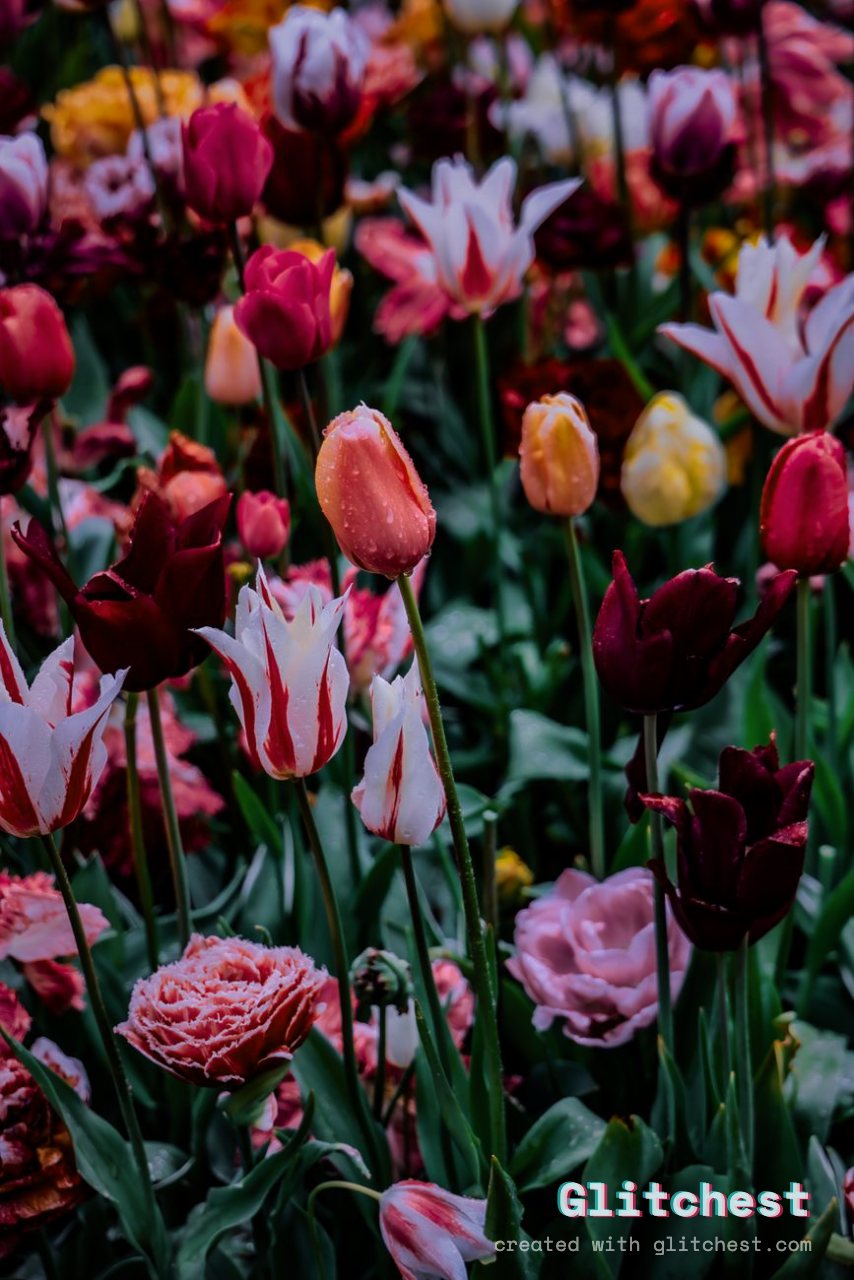
An eye-catching animated Discord server banner gives your community an instant visual identity. Whether you host a gaming guild, synthwave music lounge, or cyber-aesthetic group, adding digital distortion, analog static, and dynamic bursts makes your server stand out in the server list.
Understanding Discord Server Banner Specifications
Before launching into editing, ensure your source graphic fits Discord's display requirements. Discord server banners display at a 16:9 aspect ratio, with standard dimensions being 960x540 pixels or 1920x1080 pixels. Animated server banners require a Discord Nitro server boost (Level 2 or higher).
Discord accepts animated MP4 video files and animated GIFs. Exporting an MP4 file processed with WebCodecs gives you rich color fidelity and smooth framerates while keeping file sizes compact and well below Discord's upload threshold.
How to Animate Your Discord Server Banner in Glitchest
- Load Your Banner Artwork: Open the editor in your browser. Drag and drop your 16:9 background graphic or raw video clip into the workspace. Because Glitchest processes media client-side in your browser, your files remain completely private and upload instantly.
- Select a Starting Preset: Pick a preset from the sidebar to establish your server's core visual style. Presets like Cyber Glitch, Signal Jam, Y2K, or Broken Monitor work exceptionally well for server headers. Adjust the baseline intensity so your core graphics remain crisp.
- Structure Bursts on the Timeline: Instead of applying a static filter across the entire duration, use effect boxes to create dynamic bursts. Drop a short effect box onto a timeline lane right where you want a sudden distortion hit. Customize each box's duration, set fade-in or fade-out handles, and stack multiple boxes across parallel lanes to blend color shifting, CRT scanlines, and pixel tearing.
- Mask Your Server Title or Logo: Ensure key server details remain legible by using masks. Apply a rectangle or ellipse mask to your effect layer so signal noise triggers around your text or logo while leaving primary elements readable.
- Tune Color and Texture with Time Machine: Adjust the Time Machine dial to add subtle film grain, tape warmth, or monitor bloom over the whole composition. If you want dramatic frame tearing, check out our guide on what is datamosh to explore how frame compression distortion creates striking kinetic effects.
- Export the Animated MP4: Click export to render your sequence using WebCodecs. Glitchest outputs a high-performance MP4 file that is ready to upload straight into your Discord server settings.
Tips for Designing a Standout Animated Banner
1. Balance Visual Noise with Text Readability
Your server name and logo are the focal point of your header. Heavy background distortion can make text hard to read if applied constantly. Place short, high-impact effect boxes every few seconds on the timeline to create periodic glitch hits rather than an unbroken wall of noise.
2. Match the Theme to Your Community Focus
- Esports & Gaming: Blend Broken Monitor with brief Signal Jam boxes for a competitive HUD vibe.
- Synthwave & Cyberpunk: Pair bright neon graphics with Cyber Glitch, subtle scanlines, and RGB split.
- Lo-Fi & Retro: Layer the VHS preset with soft Y2K displacement boxes and analog warmth from the Time Machine dial.
3. Unify Your Server Branding
To give your community a polished look, align your animated banner aesthetic with your server profile picture. Read our tutorial on how to make a looping glitch Discord PFP to synchronize your overall color palette, effect frequency, and avatar styling.
The exact settings
Start from the Neon Outline preset, then set:
| Hue Shift | 44 |
| Color Boost | 54 |
| Contrast | 62 |
| Glow / Bloom | 40 |
| Edge Outline | 76 |
Everything else stays at its default — tweak it, then copy your own look as JSON or a link from inside the editor to share it.
Try it now — add this look to your own clip, free and in your browser.
Open the editor →FAQ
What aspect ratio and size should a Discord server banner be?
Discord server banners use a 16:9 aspect ratio with standard dimensions of 960x540 or 1920x1080 pixels. Animated banners are available for servers boosted to Level 2 or higher.
Can I animate a static PNG image into a Discord banner?
Yes, you can import any static PNG or JPG image and drop animated effect boxes onto the timeline to export a seamless animated MP4 banner.
How do I make sure text stays readable on a glitch banner?
Use rectangle or ellipse masking on effect layers to keep text sharp, or use short effect boxes on the timeline so glitches happen periodically rather than constantly.