How to Make a Glitch Meme Reaction Clip for Twitter
Using a free online glitch effect video maker for Twitter lets you turn standard reaction footage into unhinged meme clips directly in your web browser. Glitched clips dominate social reply feeds because sudden visual corruption amplifies shock, comedic timing, and existential dread. A sharp video instantly splintering into compression artifacts makes any punchline land twice as hard.
 BEFORE
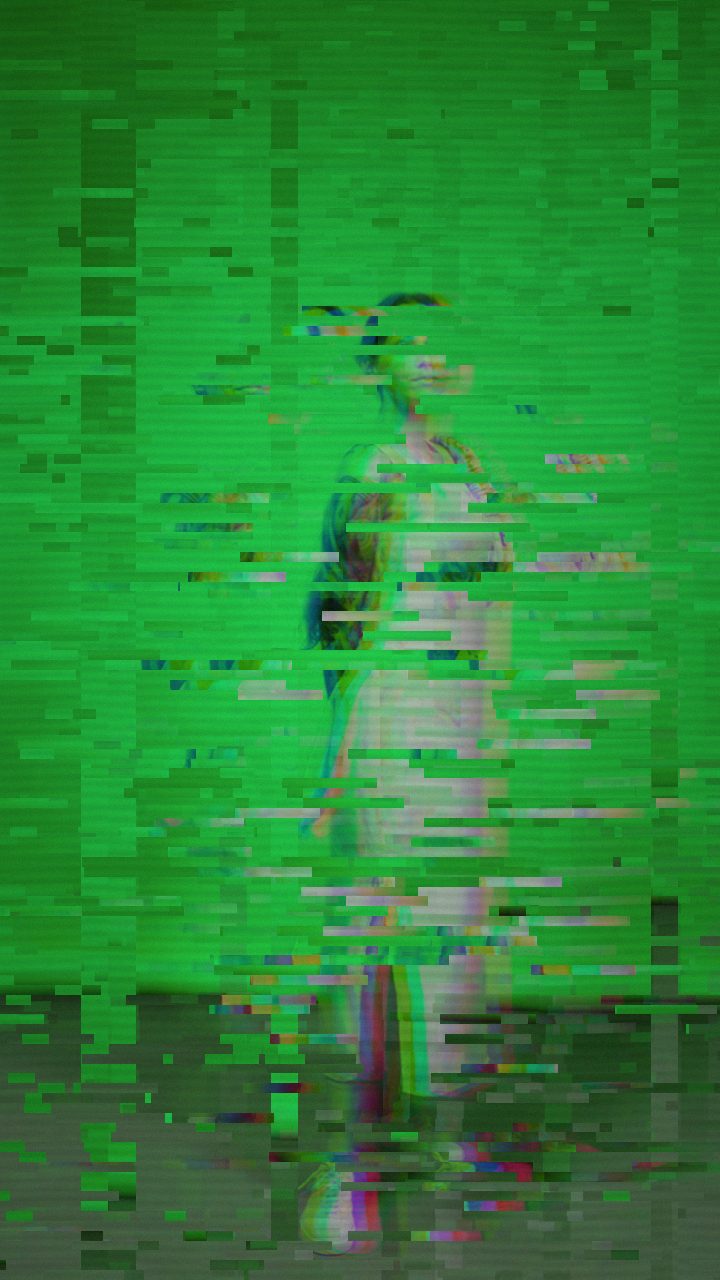 AFTER
AFTERWhy Datamoshing Fits Meme Reactions
Meme culture thrives on visual corruption—artifacts that mimic failing hardware, broken codecs, and saturated broadcast feeds. The Datamosh preset in Glitchest is designed specifically for this aesthetic. Instead of mild analog fuzz, it introduces aggressive block-level tearing, motion smears, and saturated color displacement that resemble a video file completely losing its structural integrity.
When you want to emphasize a character's instant realization, sudden scream, or deadpan stare, the Datamosh preset delivers that instant "brain-melt" aesthetic without requiring complex video synthesis plugins. If you want to understand the mechanics behind this codec decay, check out our guide on what datamoshing is and how compression artifacts work.
Step-by-Step: Create Your Reaction Clip
- Load your media: Open the editor in any modern desktop or mobile browser. Drag and drop your source reaction video directly onto the canvas. Because processing occurs client-side using WebCodecs, your file never uploads to a remote server.
- Apply the Datamosh preset: From the preset menu, choose Datamosh to populate the core displacement, RGB splitting, and block-tearing modules.
- Position an effect box on the timeline: Rather than running a constant glitch over the entire video, meme reactions work best when the effect strikes abruptly. Drop an effect box over the exact timestamp where the punchline or face change occurs.
- Set box duration and fades: For maximum comedic punch, keep the box short—around 0.5 to 1.5 seconds. Leave the fade-in at zero for an instantaneous visual shock, or add a slight fade-out if you want the distortion to melt back into reality.
- Preview and export: Scrub through the timeline to verify the synchronization with your audio punchline. Hit Export Video to generate a compact, web-ready MP4.
Controlling the Timing with Effect Boxes
Glitchest uses an intuitive block-based timeline rather than complicated multi-parameter automation lanes. To shape how the glitch enters and leaves the frame, you work directly with effect boxes on timeline lanes:
- The Hard Cut Hit: Place a narrow box with zero fade-in and zero fade-out directly on a beat drop, scream, or dramatic zoom. This produces an explosive jolt that mimics broken signal encoding.
- Layering Multiple Intensities: Add a subtle baseline effect box across the whole clip, then drop a high-intensity Datamosh box on a second lane at the climax. Glitchest blends the active boxes automatically.
- Masked Glitch Accents: If your reaction clip has floating text or a single focal character, turn on rectangle or ellipse masking inside the box settings. This confines the pixel tear to the subject's face while keeping the rest of the clip stable.
Knobs to Nudge for Customizing the Meme Look
While the Datamosh preset gives you an instant corrupted look, you can fine-tune individual parameters to match your clip's tone:
- RGB Split & Hue Shift: Memes benefit from harsh chromatic aberration. Nudging RGB Split upward separates the color channels dramatically, giving high-contrast edges a 3D glasses split that pops in fast-scrolling feeds.
- Block Size & Chaos: Increasing Block Size turns fine static into chunky, low-bitrate digital tiles. Pairing higher Block Size with increased Chaos causes entire regions of the frame to misplace their motion vectors.
- Vertical Shift & Shake: If the reaction involves shouting or sudden movement, raising the Vertical Shake control simulates camera sensor overload, adding visceral physical energy to the video.
- Datamosh (trail): Increasing this parameter creates liquid motion trails, causing the subject's expression to stretch and smear across subsequent frames.
Formatting for Twitter and Social Feeds
Twitter's algorithm and user interface favor short, high-contrast clips that loop smoothly. Keep your total video length between 3 and 10 seconds. Because Glitchest processes pixels directly through hardware-accelerated shaders in your browser, exporting takes just a few moments, letting you churn out topical replies while the conversation is still fresh.
Using a Free Online Glitch Effect Video Maker for Twitter
Creating quick reaction videos for social feeds shouldn't require complex editing suites or slow cloud render queues. Glitchest operates entirely client-side in your web browser, meaning your raw footage never uploads to an external server and you do not need an account to start editing.
You can turn any short reaction into a platform-ready Twitter video with a few clicks:
- Import your clip: Drag and drop your video into the editor at /app/ to load it into the timeline.
- Pick a style: Click preset chips like Datamosh, Scanlines, or Compression, then fine-tune the distortion using the 0-100 knobs.
- Isolate the punchline: Position timeline effect boxes right over the moment of impact and drag the fade handles to snap the glitch in abruptly or ease it into view.
- Export instantly: Tap Export (MP4) to generate a web-ready video file for your tweet, or hit Save Frame (PNG) if you want a glitched reaction image instead.
Because processing runs locally on your machine, you can adjust effect parameters and re-render meme formats rapidly to jump into trending threads while they are still relevant.
The exact settings
Start from the Datamosh preset, then set:
| Strength (master) | 52 |
| Glitch Rate | 42 |
| Glitch Width | 48 |
| Block Size | 42 |
| Chaos | 42 |
| Datamosh (trail) | 28 |
| Horizontal Wave | 14 |
| Vertical Wave | 10 |
| Vertical Shift | 30 |
| Vertical Shake | 18 |
| RGB Split | 54 |
| Hue Shift | 26 |
| Noise | 10 |
| Scanlines | 15 |
| Flicker | 12 |
Everything else stays at its default — tweak it, then copy your own look as JSON or a link from inside the editor to share it.
Try it now — add this look to your own clip, free and in your browser.
Open the editor →FAQ
What video format works best when posting a glitched reaction clip to Twitter / X?
Export as an MP4 directly from Glitchest using in-browser WebCodecs. Twitter handles standard H.264 MP4 files cleanly, and keeping your reaction under 15 seconds ensures instant autoplay in reply threads.
How do I make the glitch hit right on the punchline of the meme?
Place a short Datamosh effect box onto the timeline right where the emotional turn or punchline occurs. Setting a zero fade-in creates an abrupt, jarring visual shock that lands instantly with the audio.
Can I isolate the glitch to just a face or text overlay in the clip?
Yes, select the effect box and enable either rectangle or ellipse masking to constrain the digital tearing and RGB shifts to a specific focal point while leaving the background untouched.
Is there a free online glitch effect video maker for Twitter?
Yes, you can use Glitchest directly in your browser at /app/ to apply glitch, VHS, and datamosh effects without creating an account or uploading files to a server. It processes your media locally, making it fast and easy to generate and export reaction clips ready for Twitter.