Twirl, Melt & Hue Shift: Psychedelic Acid Loop
Combining twirl, melt, and hue shifting produces a vivid, psychedelic liquid loop that warps footage into a flowing acid drip. By building structured contrast and vibrant color separation before warping the frame, you keep dynamic motion sharp and engaging rather than turning the canvas into a muddy smear.
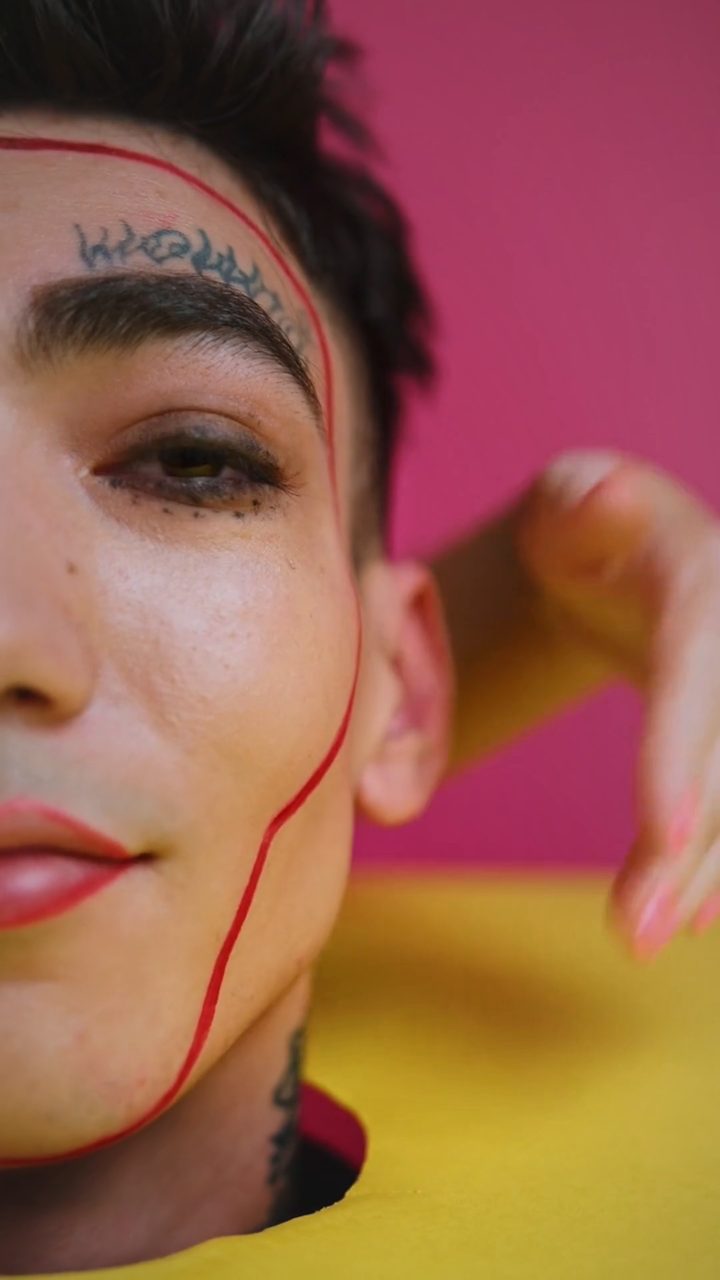 BEFORE
 AFTER
AFTERWhy the Comic Preset Anchors the Psychedelic Melt
When stacking spatial distortions like twirl and directional melting, flat footage quickly loses definition. Beginning with the Comic preset solves this problem immediately. The preset elevates color saturation and punches up tonal contrast while laying down a fine halftone dot matrix. This structured dot pattern acts as a physical grid: when you twist and liquefy the visual, the dots stretch and shear, creating visible fluid surface tension and rich tactile depth reminiscent of vintage underground print posters.
You can fine-tune this base inside the editor by nudging the Color Boost and Contrast sliders higher to amplify the vibrancy, or adjusting the Halftone and Dot Size knobs to make the texture finer or chunkier depending on your source footage.
Building the Acid-Drip Distortion Stack
Once your graphic base is set, layer your warping and chromatic modulation to generate the acid-drip motion:
- Import Your Media: Open the editor and load your video clip or still frame. Everything processes locally via your browser without requiring account creation or cloud uploads.
- Load the Comic Preset: Select the Comic preset to instantly grade the image with punchy contrast, elevated saturation, and geometric dot structure.
- Engage Twirl and Melt: Activate the twirl effect to pull the center of your composition into a swirling vortex. Pair it with vertical melting to pull visual trails downward, simulating heavy fluid viscosity.
- Apply Hue Shift: Turn on Hue Shift to rotate the entire color spectrum. Shifting the vibrant comic palette causes bright highlights and deep midtones to cycle through electric greens, magenta, and cyan.
- Layer Effect Boxes on the Timeline: To animate the trip over time, drop effect boxes onto the timeline lanes. Adjust the fade-in and fade-out durations on each box to let the swirl swell gently into a heavy liquefaction hit and ease back out without harsh jumps.
- Export the Loop: Export your final motion sequence as an MP4 via WebCodecs or capture high-resolution stills using the Save Frame feature.
Refining the Motion and Composition
For more intricate motion design, you can combine these liquid warps with other distortion methods. If you want sudden visual bursts on beat drops, explore our guide on combining zoom blur and RGB split to layer impactful impacts alongside your sustained swirling motion.
You can also use ellipse or rectangle masking to restrict the twirl effect strictly to a focal subject, leaving the perimeter grounded, or dial into the Time Machine knob to infuse retro analog warmth across the entire melting composition.
The exact settings
Start from the Comic preset, then set:
| Color Boost | 44 |
| Contrast | 64 |
| Halftone (dots) | 72 |
| Dot Size | 56 |
| Dot Flatten | 44 |
Everything else stays at its default — tweak it, then copy your own look as JSON or a link from inside the editor to share it.
Try it now — add this look to your own clip, free and in your browser.
Open the editor →FAQ
Why start with the Comic preset for a melting acid effect?
The Comic preset establishes high saturation, bold contrast, and textured halftone dots that give melting liquid edges defined boundaries instead of turning into muddy blur.
How do I make the twirl and melt effect loop cleanly?
Drop effect boxes along the timeline lanes and configure matching fade-in and fade-out envelopes on your layered boxes so the distortion transitions smoothly across clip boundaries.
Can I mask the acid twirl to only affect the center of the video?
Yes, select an ellipse or rectangle mask within the editor to constrain the twirl and melt effects to a specific region while keeping background details stable.