Broken Monitor Look Recipe: Dying Screen Glitch
The Broken Monitor look simulates a compromised cathode-ray tube or damaged display panel gasping for its final breath. Instead of total destruction, it captures that tense, jittery threshold where the raster beam still attempts to resolve a frame, producing rhythmic vertical rolling, tearing scanlines, and erratic sync slip that heightens suspense across any edit.
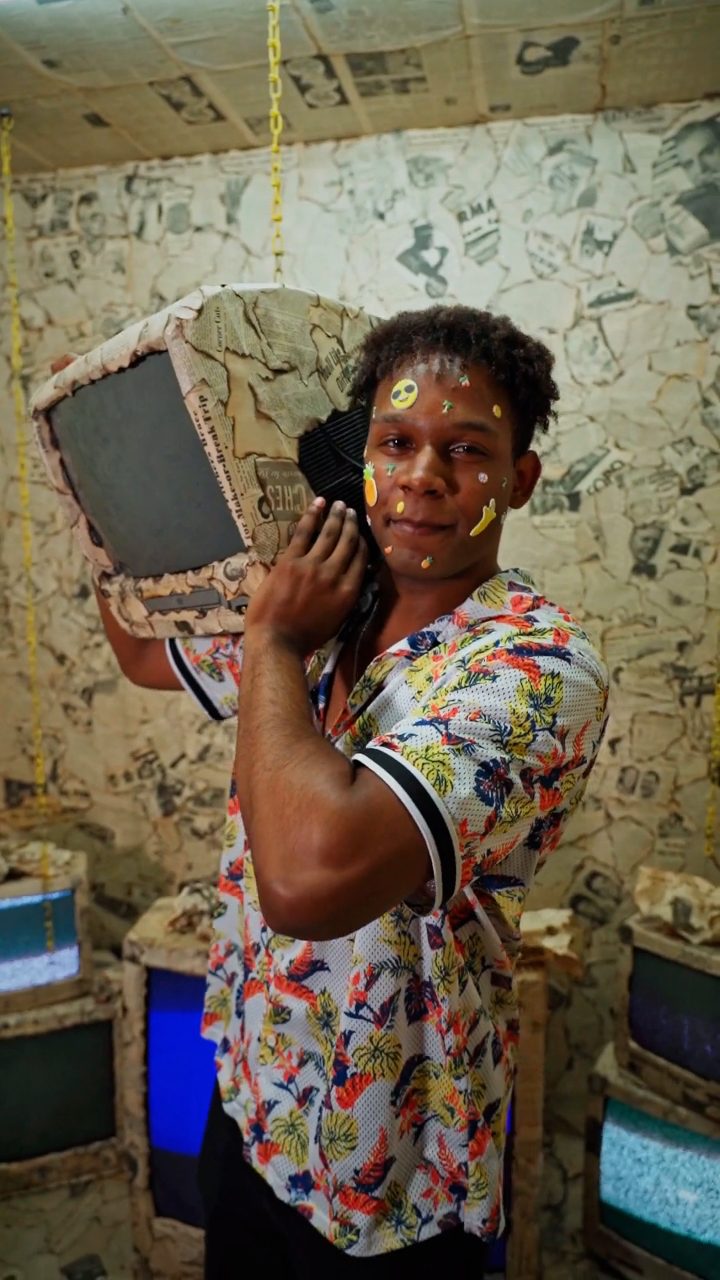 BEFORE
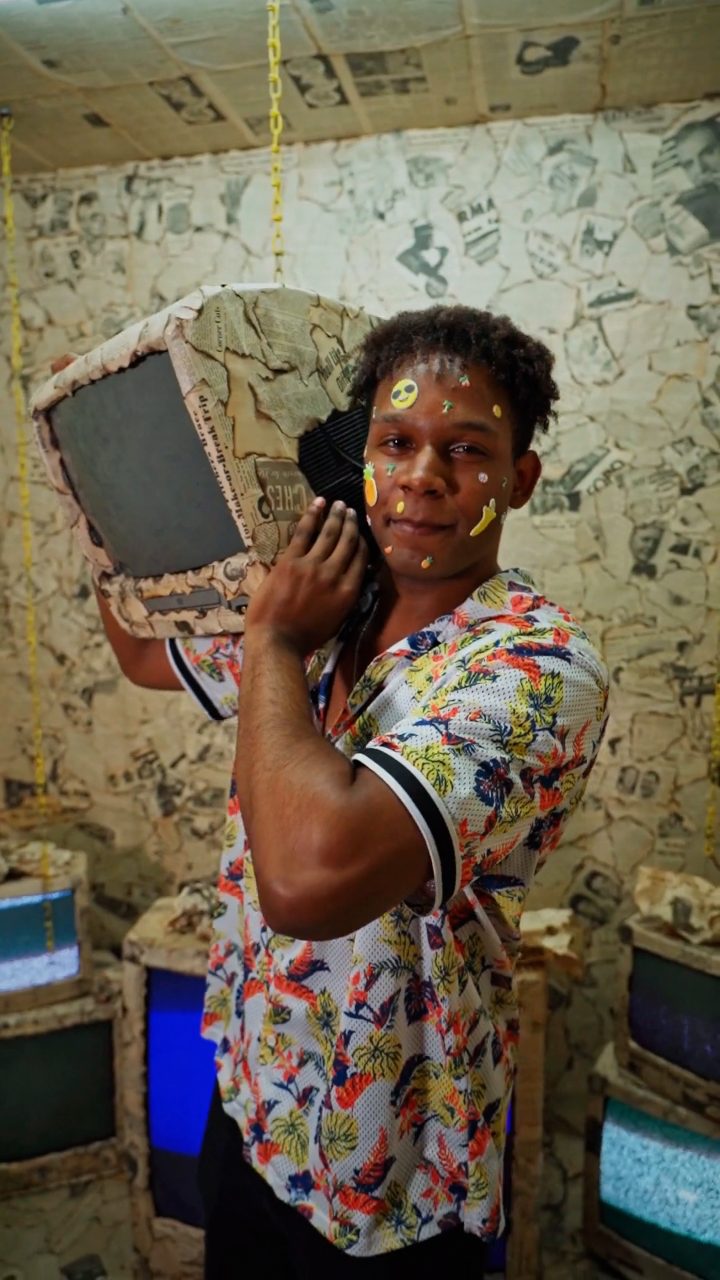 AFTER
AFTERWhy this look works
The core tension of this look comes from the interplay between vertical sync failure and high-frequency surface noise. When Vertical Shift and Vertical Shake work in tandem with moderate Vertical Wave, the raster picture loses its anchor point. The image slips and rolls upward or downward, perfectly mimicking a hardware vertical-hold potentiometer that has drifted out of spec or blown an internal capacitor.
Balancing Structural Drift and Surface Damage
Heavy Scanlines layered against high Noise establish physical phosphor geometry, while balanced Glitch Width and Block Size introduce digital packet corruption and horizontal deflection errors. A subtle touch of Hue Shift keeps color degradation authentic without turning your footage into a psychedelic wash, while moderate RGB Split simulates misaligned shadow-mask electron guns fighting to converge.
Pushing Master Strength or Glitch Rate too high will collapse the silhouette into pure white-noise mush, destroying the narrative tension. The trick is maintaining enough structural legibility so the audience clearly recognizes what is failing to stay on screen.
The recipe
Start from the Broken Monitor preset, then set:
| Strength (master) | 38 |
| Glitch Rate | 22 |
| Glitch Width | 30 |
| Block Size | 34 |
| Chaos | 26 |
| Datamosh (trail) | 22 |
| Horizontal Wave | 38 |
| Vertical Wave | 32 |
| Vertical Shift | 46 |
| Vertical Shake | 34 |
| RGB Split | 44 |
| Hue Shift | 6 |
| Noise | 46 |
| Scanlines | 80 |
| Flicker | 46 |
Everything else stays at its default — tweak it, then copy your own look as JSON or a link from inside the editor to share it.
What footage suits it
This malfunction grade performs best on clips that already suggest screen hardware or structured graphics:
- High-contrast user interfaces, operating system dialogs, terminal commands, or vector logos that give scanlines crisp edges to tear across.
- Locked-off camera setups and medium close-up portraits where facial silhouettes punch cleanly through heavy phosphor grain.
- Dimly lit narrative scenes featuring localized neon, desktop monitors, or flashlight pools that preserve dark shadow details for the Noise pass.
Avoid handheld footage with wild, chaotic camera movements, as rapid natural pans fight against the monitor's rhythmic vertical sync slip and disorient the viewer.
Common mistakes
- The image breaks apart into an unreadable slurry of colored squares — ease back Glitch Width and Block Size so silhouettes remain identifiable through the tears.
- The picture jumps so violently that it induces motion sickness rather than hardware tension — reduce Vertical Shift and Vertical Shake to stabilize the slip cycle.
- The footage washes out into harsh white strobe flashes that overpower dark scenes — dial down Flicker until the brightness pulses feel like struggling phosphor tubes rather than lightning strikes.
When to use it
The Broken Monitor treatment is tailor-made for high-impact narrative beats and stylized tech edits:
- System failure and virus takeover sequences in cyber-thrillers or sci-fi shorts.
- Sudden video breakdown transitions right before a beat drop in music videos.
- Diegetic surveillance playback scenes where old hardware feeds cut out during critical plot reveals.
- Glitchy interstitial cuts for gaming streams, error gags, or stream-ending screens.
Load your footage directly into the editor to build your base grade, and check out our full breakdown in the Broken Monitor Glitch Effect: Dying Screen Look Recipe for alternate approaches to analog display failure. If you want the display to appear on the brink of total shutdown, nudge Datamosh up just enough to create sticky, lagging motion smears between frame shakes.
Try it now — add this look to your own clip, free and in your browser.
Open the editor →FAQ
Why does this recipe emphasize Vertical Shift over horizontal distortion?
Authentic dying monitors typically suffer vertical hold collapse first, causing the raster image to bounce, roll, and misalign vertically before signal completely fails.
Can I apply this Broken Monitor look to static graphics or cover art?
Yes, exporting a single glitched frame locks in high-density scanlines and severed RGB alignment, giving typography and illustration a damaged hardware feel.
How can I keep subtitles readable underneath this damaged screen effect?
Ease back the Scanlines and Block Size knobs slightly to restore perimeter contrast around typography without sacrificing the jittery sync malfunction.