CCTV Surveillance Look: Gritty Security Feed
The CCTV Surveillance look strips the warmth and cinematic polish out of your footage, replacing it with the detached, voyeuristic tension of an unmonitored security feed. By introducing optical scanlines, sensor noise, and a slight physical roll, your video immediately feels like confiscated property or an overlooked digital witness.
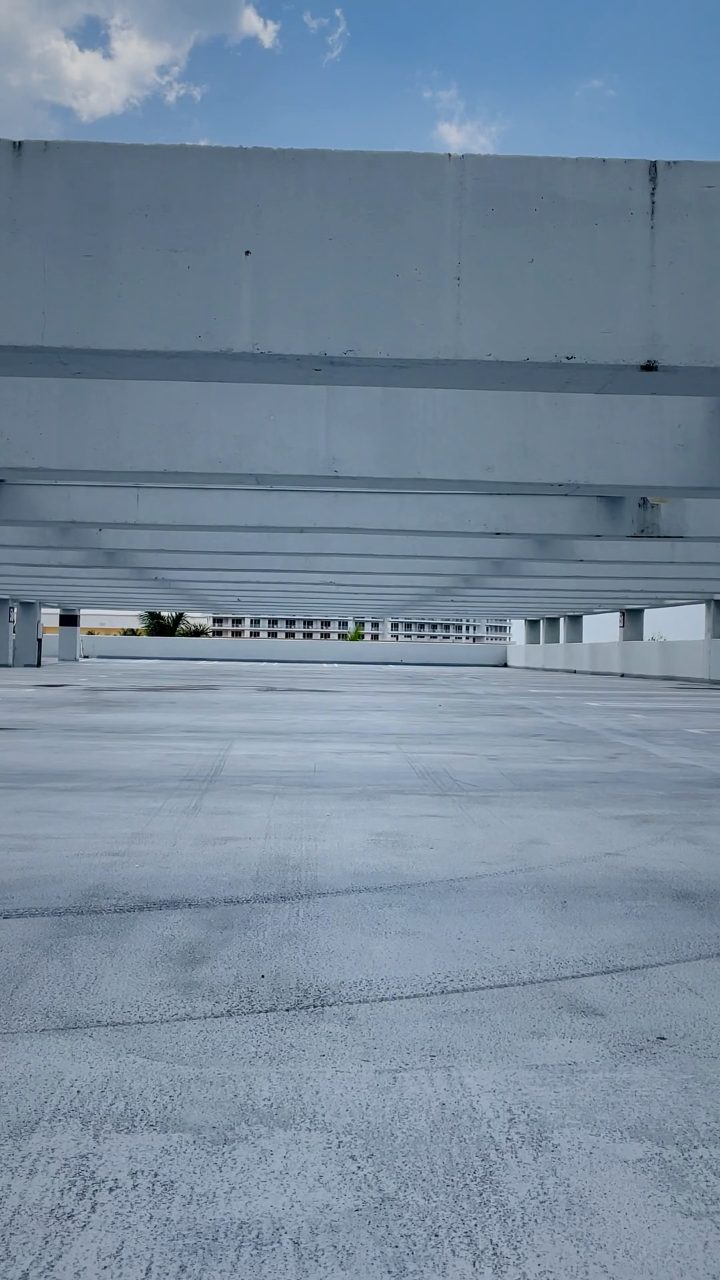 BEFORE
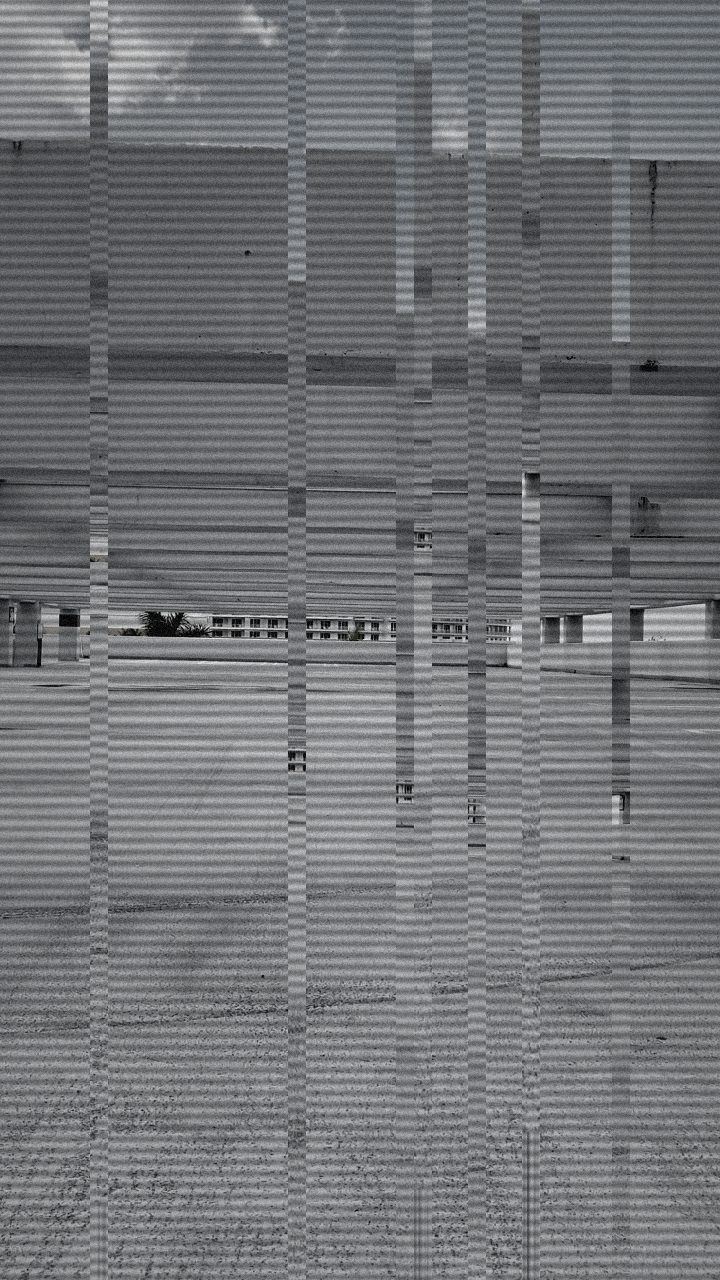 AFTER
AFTERWhy this look works
Dissecting the Cold Sensor Aesthetic
A convincing closed-circuit monitor relies on mechanical degradation rather than pure chaos. Desaturation does the initial psychological work by neutralizing emotional color palettes, but leaving a ghostly sliver of tint prevents the frame from looking like an intentional black-and-white art film. Hardening the contrast crushes the midtones, replicating the harsh dynamic range limitations of cheap optics mounted under fluorescent parking-lot or hallway tubes.
Texture transforms flat desaturation into authentic hardware failure. Scanlines mimic the physical raster sweep of an interlaced CRT monitor, while fine luminance noise simulates sensor struggle in poorly calibrated installations. The slight vertical shift supplies a persistent sense of instability—just enough displacement to signal an unshielded coaxial cable carrying an analog signal through building interference without destroying subject readability.
The recipe
From a clean image, set:
| Vertical Shift | 20 |
| Contrast | 64 |
| Grayscale | 88 |
| Noise | 40 |
| Scanlines | 62 |
Everything else stays at its default — tweak it, then copy your own look as JSON or a link from inside the editor to share it.
What footage suits it
This surveillance treatment thrives when applied to clips that match the physical reality of fixed-position monitoring equipment:
- High-angle, static shots looking down into hallways, doorways, or street corners.
- Even, utilitarian lighting such as fluorescent strip bulbs, harsh streetlamps, or dim room ambiance.
- Deliberate, unglamorous subject framing where figures enter and leave the frame naturally.
Avoid handheld footage with rapid whip pans or shallow depth-of-field cinematic bokehs, as dynamic camera movement immediately shatters the illusion of a mounted security housing.
Common mistakes
- Drowning the picture in total black-and-white sterility: Lower Grayscale slightly to retain the sickly, faded chroma typical of aged security camera sensors.
- Aggressive frame rolling that renders the subject unrecognizable: Back off Vertical Shift until the image experiences an occasional rhythmic flutter rather than continuous tearing.
- Muddy, washed-out shadows: Push Contrast higher to force clean separation between deep shadows and harsh highlights across the scan raster.
When to use it
Transforming raw video into cold, administrative documentation works across several narrative formats:
- Found-footage horror sequences where the audience witnesses an unfolding event before the characters do.
- Establishing shots for forensic thrillers, heist planning sequences, and police interrogation b-roll.
- Comedic security-cam gags featuring awkward office moments or pet surveillance clips.
If you want a night-vision variant, slightly ease back on the desaturation and explore complementary grading techniques outlined in our CCTV Surveillance Look Recipe: Security Feed Effect. Load your raw clip directly into the editor to build and preview the look in real time.
Try it now — add this look to your own clip, free and in your browser.
Open the editor →FAQ
Why not strip out all color for a CCTV look?
Retaining a faint trace of desaturated color mimics cheap early digital sensors, which struggle with tint casts under fluorescent bulbs rather than recording true monochrome.
How do I stop scanlines from obscuring fine facial details?
Lower the scanline intensity slightly or boost the contrast so hard edge boundaries punch through the alternating line pattern.
Will vertical shift disrupt text overlays or timestamps?
Vertical shift displaces the raster uniformly, giving overlays a subtle mechanical jitter that actually reinforces the malfunctioning surveillance hardware aesthetic.