How to Make an 80s Retro-Style Video (Step-by-Step)
Learning how to make 80s video edits out of ultra-sharp digital footage requires stripping away modern clarity and mimicking the optical quirks of magnetic tape. With Glitchest, you can dial in classic analog artifacts entirely in your browser with zero server uploads. A few quick adjustments will take your clean clips and transform them into convincing retro tape transfers.
 BEFORE
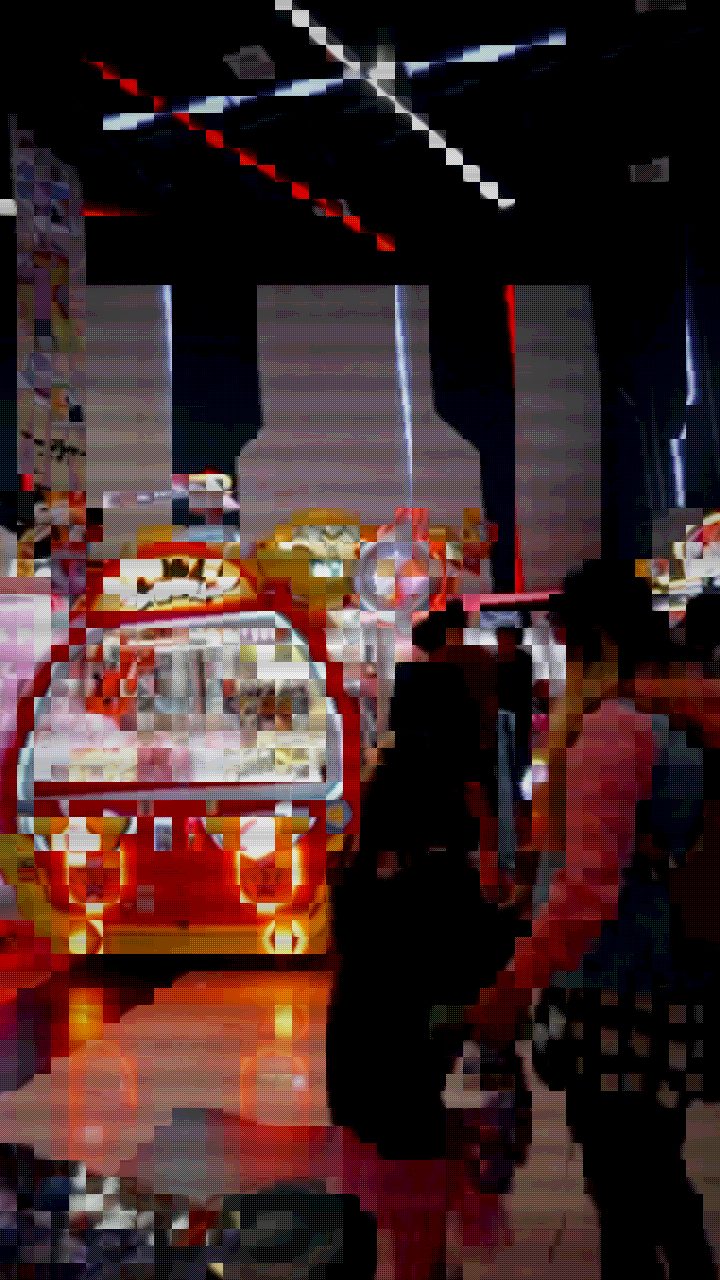 AFTER
AFTERWhat Defines the 80s Retro Video Aesthetic?
Achieving a convincing 80s look requires understanding the technical quirks and physical limitations of 1980s recording equipment. Unlike modern digital video with ultra-sharp resolution and precise color accuracy, 80s media was defined by soft analog imperfections that gave footage a warm, tangible feel.
- Magnetic Tape Distortions: Magnetic VHS tapes frequently suffered from horizontal static, tracking errors, chromatic aberration, and color bleeding.
- CRT Monitor Characteristics: Televisions in the 1980s displayed images using Cathode Ray Tubes, which generated visible scanlines, soft blooming halos around highlights, and slight glass edge curvature.
- Color Oversaturation and Glow: Bright magenta, neon blue, and vivid purple tones dominated the period color palette, accompanied by strong phosphor glow around light sources.
- Subtle Motion Instability: VCR players and handheld camcorders introduced mechanical micro-jitter and frame drift during playback.
Step-by-Step: How to Make an 80s Retro-Style Video
You can transform any modern clip or static image into a classic video asset using the editor on Glitchest. Because processing runs locally in your web browser via WebCodecs, your source files are never uploaded to an external server, keeping your work completely private and fast.
Import Your Footage
Open the editor and drag your video file directly onto the canvas. Whether you are using high-definition camera clips or mobile phone videos, the editor handles frame processing locally without requiring account setup.
Apply the VHS Preset
Select the preset menu and click the VHS option as your visual baseline. This immediately introduces analog color shifts, soft scanlines, and tape wobble. You can also test the Y2K or Signal Jam presets for variation in static noise and signal degradation.
Dial in the Vintage Feel with Time Machine
Use the Time Machine dial to adjust the period accuracy of the film and tape look. Dialing back the age introduces era-specific color warming, subtle edge blooming, and delicate film grain that mimic physical magnetic media aging over decades.
Time Distortion with Effect Boxes
To recreate the feel of a VCR adjusting tracking during playback, add effect boxes on the timeline below the preview. Drop a short box with little fade to trigger a temporary spike in glitch intensity during key moments like title drops, chorus transitions, or scene cuts, and use a box's fade-in and fade-out where you want the effect to ease in and back out.
Isolate Effects with Shape Masking
If you want to keep foreground text or subjects crisp while applying heavy retro effects to the background, add a rectangle or ellipse mask. Adjust the mask boundary and feathering settings to blend retro distortions seamlessly.
Export Your Rendered File
When you are satisfied with the retro style, click export. WebCodecs renders an MP4 file locally onto your device at high speed. If you need static cover art, click Save Frame to grab a high-resolution PNG snapshot from any frame on your timeline.
Tips for Authentic Retro Video Edits
To keep your video edits authentic rather than looking like an over-processed digital filter, keep styling subtle. VHS tapes held a clean picture during quiet scenes, breaking into static primarily during tape transitions or damaged tape sections. If you want to learn more about specific screen textures, check out our guide on adding CRT scanlines to video.
Combining color degradation with mild tape noise gives the best results. For extra control over tape artifacts and chromatic bleeding, read our full breakdown on adding a VHS effect to video to master retro grading techniques.
How to Convert Video into 80s Era Footage
If you want to create an 80s look video without tracking down an old CRT television or camcorder, you can recreate the texture by degrading modern digital sharpness. High frame rates, pristine color balance, and clean edges break the illusion, so converting your clip requires introducing color bleed, tape grain, and phosphor glow.
You can quickly convert video into 80s era aesthetics using the browser editor:
- Open your media in the Glitchest editor to work entirely client-side.
- Select vintage preset chips to establish an immediate retro color palette and scanline structure.
- Fine-tune the look by adjusting 0-100 knobs for parameters like noise, tracking errors, and color bleed.
- Position timeline effect boxes across your clip and drag the fade handles to blend artifacts smoothly over specific cuts.
Once the sequence matches your vision, hit Export (MP4) to render the finished retro video on your machine, or capture still shots with Save Frame (PNG).
How to Create 80s Look Video Effects on the Timeline
When you want to know how to create 80s look video edits that feel historically plausible rather than overly distorted, subtlety is key. Authentic consumer video from four decades ago suffered from composite signal degradation, tracking skew, and duller contrast.
If you are exploring how to make 1980s video aesthetics from scratch in Glitchest, use the timeline controls to craft the exact level of degradation:
- Start with Preset Chips: Click the retro or VHS preset chips above the timeline to generate an initial chain of analog filters.
- Tweak 0-100 Knobs: Dial back harsh digital sharpness and tweak RGB drift or tape noise knobs between 20 and 40 for a believable low-fi appearance.
- Smooth In and Out: Use the fade handles on each timeline effect box to ease magnetic interference in and out during specific moments.
Once you are happy with the preview, hit Export (MP4) to render your finished file locally, or use Save Frame (PNG) if you only need a stylized vintage still.
The exact settings
Start from the Retro Game preset, then set:
| Color Boost | 44 |
| Brightness | 54 |
| Contrast | 60 |
| Scanlines | 26 |
| Pixelate | 62 |
| Retro Palette | 74 |
Everything else stays at its default — tweak it, then copy your own look as JSON or a link from inside the editor to share it.
Try it now — add this look to your own clip, free and in your browser.
Open the editor →FAQ
Can I make an 80s retro video on my phone?
Yes, Glitchest runs directly inside mobile web browsers like Safari and Chrome without installing apps. You can process clips and export high-quality MP4 videos right from your smartphone.
Does creating an 80s video on Glitchest add a watermark?
No — there's no watermark. Everything is free and full quality, with no account or registration.
What type of source footage works best for an 80s aesthetic?
Footage featuring strong lighting contrast, neon colors, night scenes, or synthwave-style subjects converts exceptionally well into 80s retro video clips.
How can I make an 80s-style video?
To make an 80s video, open your clip in Glitchest at /app/ and apply retro effects like scan lines, chromatic aberration, and tape noise. Adjust the color grading toward warm, desaturated tones to replicate classic consumer camcorder footage.
How do I convert a modern video to look like it was filmed in the 1980s?
You can convert modern video directly in your browser using Glitchest without creating an account or uploading files to a remote server. Simply load your media and add vintage VHS distortion, CRT scan lines, and tracking static to evoke the 1980s aesthetic.
What effects are needed to create an authentic 80s video look?
An authentic 80s look relies on analog video artifacts such as phosphor glow, RGB color fringing, horizontal tracking glitches, and lowered digital sharpness. You can combine and customize these retro filters for free using the Glitchest editor.