Retro Handheld Look: 2-Bit Dot-Matrix Palette Guide
Step directly into late-80s portable gaming nostalgia with the iconic pea-soup green dot-matrix aesthetic. This look strips high-definition footage down to crunchy 2-bit quantization, distinct pixel stepping, and muted olive-green LCD tones, transforming modern video clips, selfies, and animation loops into vintage handheld titles running on low-battery reflective displays.
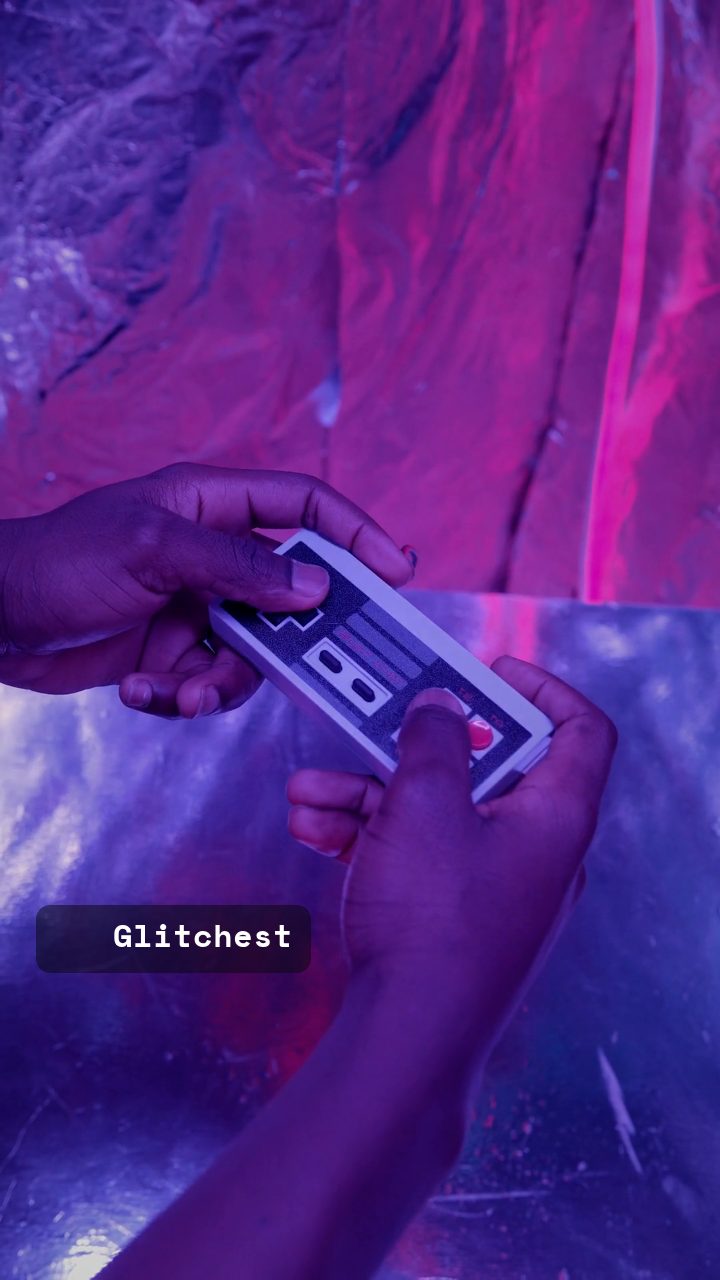 BEFORE
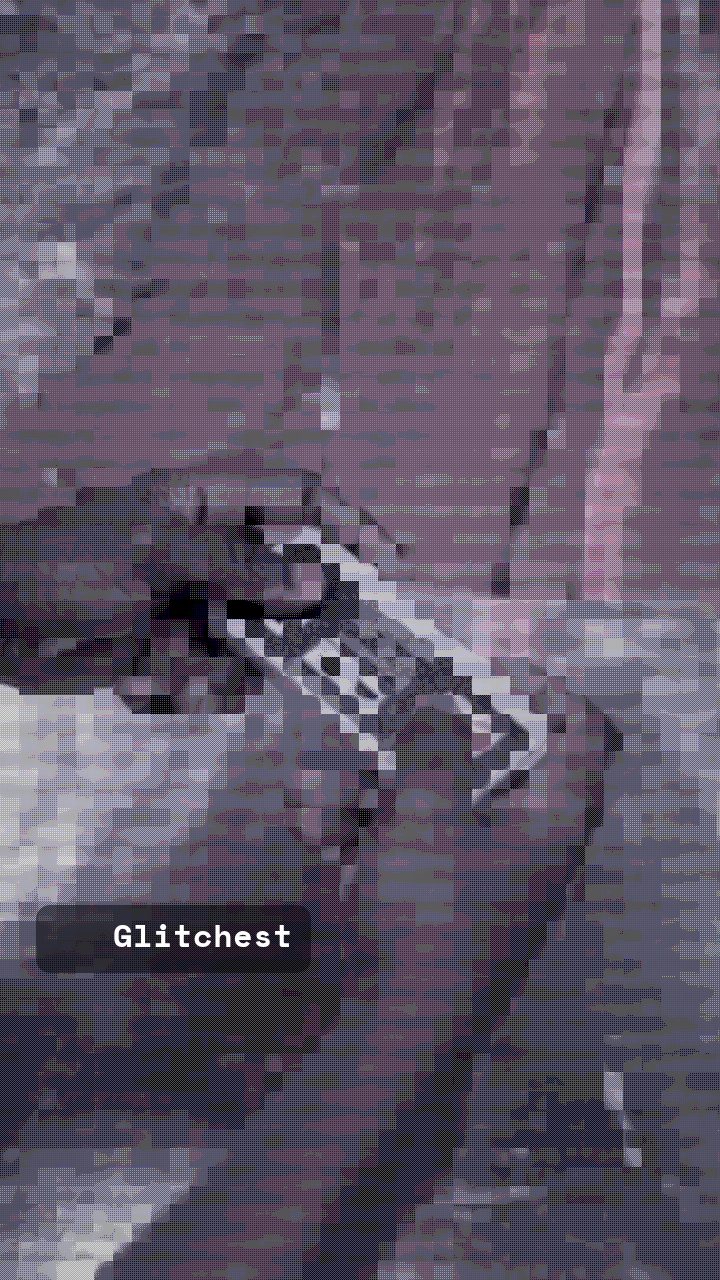 AFTER
AFTERWhy this look works
Building the Classic Reflective LCD Screen
The core identity of this look relies on crushing modern color spaces into an austere olive spectrum. The retro palette and target color controls work in tandem with grayscale grading to discard true RGB values and remap pixel luminance across olive, chartreuse, and deep murky green bands, replicating reflective monochrome liquid crystal displays.
Resolution reduction is driven by aggressive pixelation and boosted contrast. Pushing pixel dimensions forces fine vector edges into chunky square clusters, while contrast expansion keeps midtones from blending together into muddy soup. Subtle scanline shading adds the tactile texture of physical screen grids without overwhelming foreground subjects.
The recipe
Start from the Retro Handheld preset, then set:
| Target Color | 34 |
| Color Boost | 50 |
| Contrast | 58 |
| Grayscale | 72 |
| Scanlines | 20 |
| Pixelate | 66 |
| Retro Palette | 84 |
Everything else stays at its default — tweak it, then copy your own look as JSON or a link from inside the editor to share it.
What footage suits it
Handheld dot-matrix aesthetics thrive on bold geometry and decisive lighting contrasts:
- High-contrast lighting: Hard directional light creates clear separations between dark shadows and bright highlights, which survive heavy color crushing.
- Clean silhouettes: Simple shapes, centered portraits, and iconic graphic subjects read clearly even at drastically reduced pixel resolutions.
- Moderate motion speed: Smooth, predictable movements prevent excessive motion blur from smearing the coarse pixel grid.
- Uncluttered backgrounds: Clean, minimal backdrops keep the quantized display readable without chaotic noise.
Avoid footage with subtle pastel gradients or low-light murky scenes, as they compress into flat single-color blocks.
Common mistakes
- Facial features get lost entirely: Excessive resolution downsampling has crushed fine eye and mouth lines. Ease back on the Pixelate slider until silhouette clarity returns.
- Colors look washed out and gray: The green tint is failing to map across the tonal range. Boost the Retro Palette knob and ensure Grayscale remains high enough to suppress raw RGB hues.
- Dark areas turn into solid black voids: Contrast is set too aggressively for your source exposure. Lower the Contrast slider slightly to recover midtone detail across shadow regions.
When to use it
The pea-soup handheld look delivers immediate 90s nostalgia across several visual mediums:
- Lo-fi music loops: Perfect background visuals for chiptune tracks, bedroom pop, and vaporwave listening stations.
- Pixelated avatar selfies: Distinctive 2-bit profile pictures and animated gaming avatars for Discord and social feeds.
- Retro gaming promos: Teasers, stream overlays, and title cards that evoke early handheld console packaging.
- Nostalgia-core montages: Stylized transitional cuts within vintage gaming retrospectives and tech breakdown reels.
Jump straight into the editor to transform your footage without account barriers. For alternative console calibrations and palette shifts, consult the companion Retro Handheld Look Recipe: 2-Bit Dot Matrix Style guide to fine-tune your workflow.
Try it now — add this look to your own clip, free and in your browser.
Open the editor →FAQ
How do I prevent portraits from turning into unrecognizable blobs?
Dial back the pixelation knob slightly or increase source contrast before crushing the palette to keep prominent facial contours distinct.
Can I get an authentic monochrome LCD look instead of olive green?
Adjust the target color slider toward neutral monochrome gray or reduce the retro palette intensity while retaining high grayscale values.
Why are fine background details disappearing completely?
Low-resolution matrix quantization drops high-frequency data, so prioritize bold foreground silhouettes with minimal background clutter.