Retro Synthwave Look Recipe: 80s Arcade Style
The Retro Synthwave recipe transports your video straight into a neon-soaked 1984 arcade. It blends glowing magenta sunsets, electric blue highlights, and subtle CRT glass distortion to capture the ultimate nostalgic synthwave aesthetic in seconds.
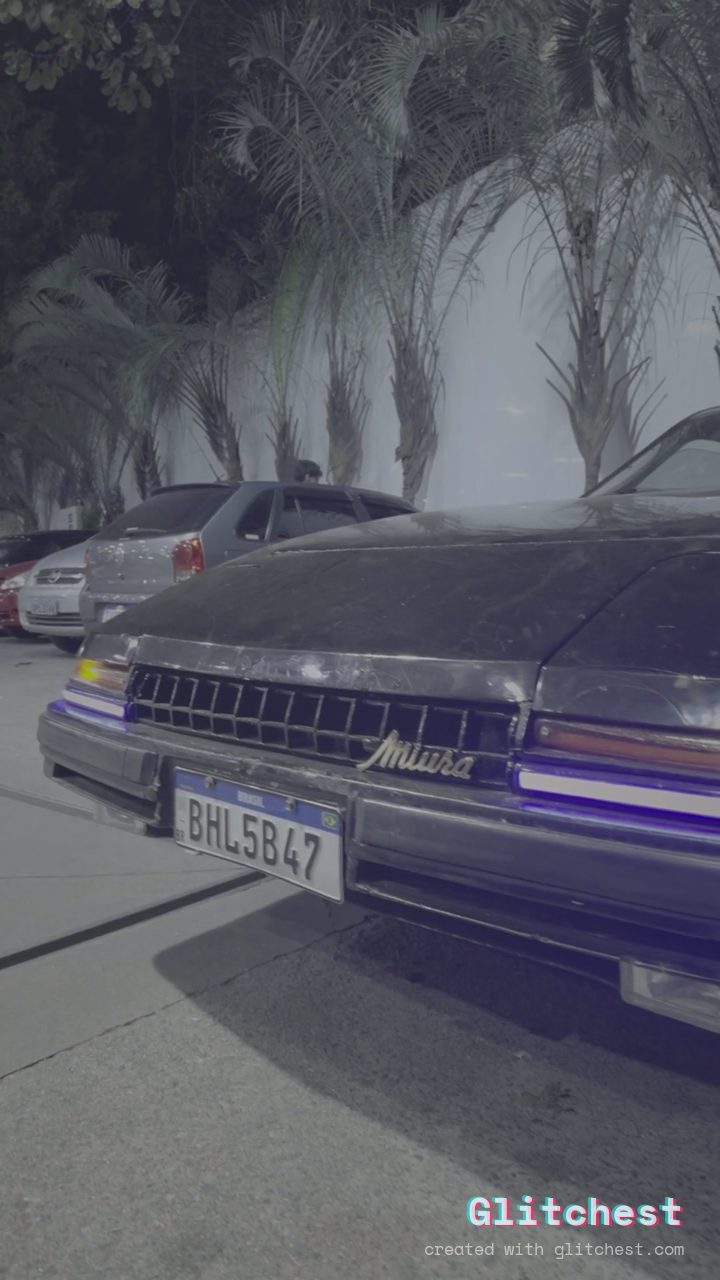 BEFORE
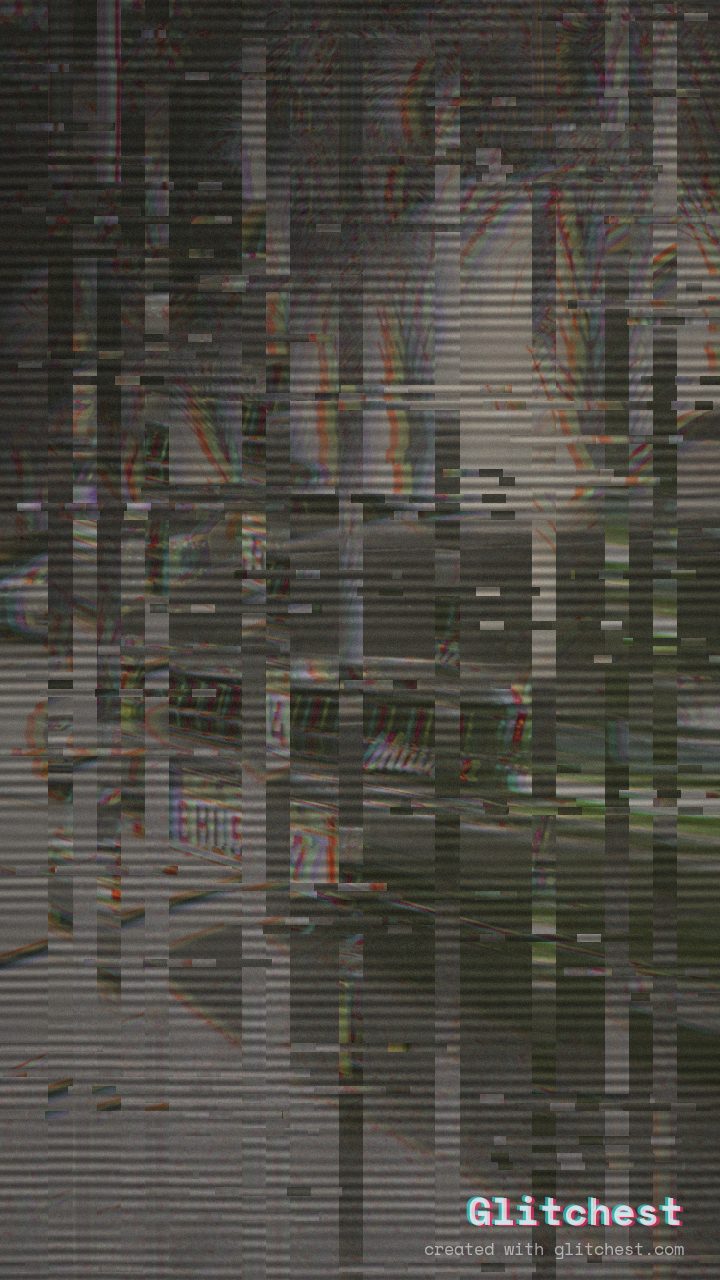 AFTER
AFTERWhy this look works
Crafting the 1984 Arcade Glow
The heavy lifting in this recipe comes from combining aggressive color shifts with distinct CRT monitor characteristics. Shifting the color profile toward neon pinks and deep blues creates the iconic synthwave palette, while boosting saturation and contrast gives footage that hyper-saturated, glowing arcade screen punch.
To complete the retro illusion, subtle scanlines and vertical wave distortion bend the geometry just enough to mimic a classic curved CRT screen. Adding light RGB splitting and mild block glitching creates organic digital artifacts that make your clip feel like an authentic 80s arcade cabinet boot sequence.
The recipe
Start from the Cyber Glitch preset, then set:
| Retro (era) | 1981 |
| Strength (master) | 30 |
| Glitch Rate | 18 |
| Glitch Width | 30 |
| Block Size | 32 |
| Chaos | 20 |
| Datamosh (trail) | 8 |
| Horizontal Wave | 26 |
| Vertical Wave | 14 |
| Vertical Shift | 40 |
| Vertical Shake | 12 |
| RGB Split | 58 |
| Hue Shift | 70 |
| Color Boost | 60 |
| Contrast | 56 |
| Noise | 20 |
| Scanlines | 54 |
| Flicker | 14 |
Everything else stays at its default. Open the editor →
When to use it
This aesthetic shines across energetic retro-inspired content that needs a distinctive 80s glow:
- Music video visuals for synthwave, chillwave, or darksynth tracks
- Title cards and intro sequences for retro indie game streams
- Stylized social media edits for 80s throwback fashion or automotive content
If you want a milder look, open the editor and dial down the overall effect strength slider. For a deeper breakdown of neon aesthetics, check out our companion guide on the Retro Synthwave Look: 80s Arcade Style.
Try it now — add this look to your own clip, free and in your browser.
Open the editor →FAQ
What base preset should I choose to start this look?
Select the Cyber Glitch preset chip in the editor as your starting point. From there, adjust the labelled sliders to match the target aesthetic.
Can I apply this synthwave recipe to static images?
Yes, the recipe works on both photos and video clips. Static images will capture the scanlines, color shift, and CRT geometry distortion cleanly.
How do I make the neon glow look stronger on dark footage?
Increase the color boost and contrast sliders slightly. You can also nudge the hue shift to favor deeper magenta and neon blue tones.