Deep Fried Meme Look Recipe: Cursed & Blown-Out Video
Mastering the deep fried aesthetic turns ordinary clips and images into hyper-compressed, intentionally cursed internet artifacts. By pushing saturation, sharpness, and contrast past sensible limits inside Glitchest, this recipe creates that blown-out, surreal visual style in seconds. Everything runs directly in your browser without uploading your files, making it fast to produce unhinged shitposts and viral reactions.
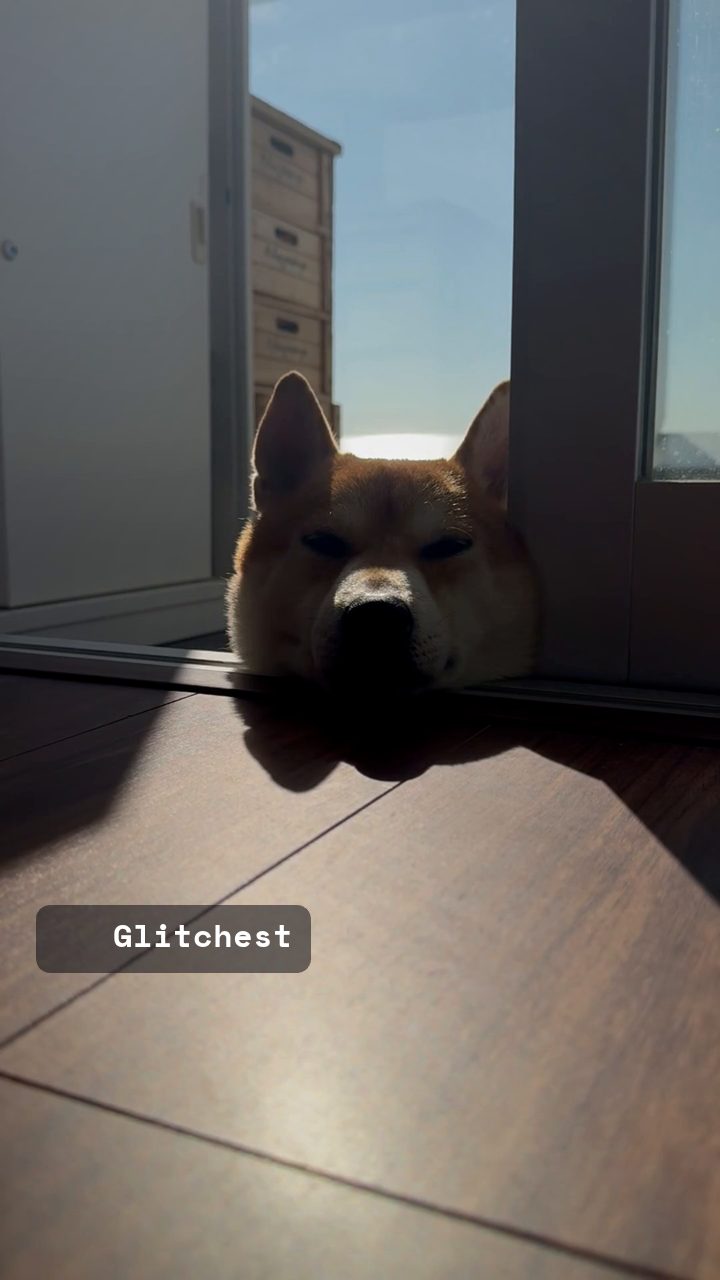 BEFORE
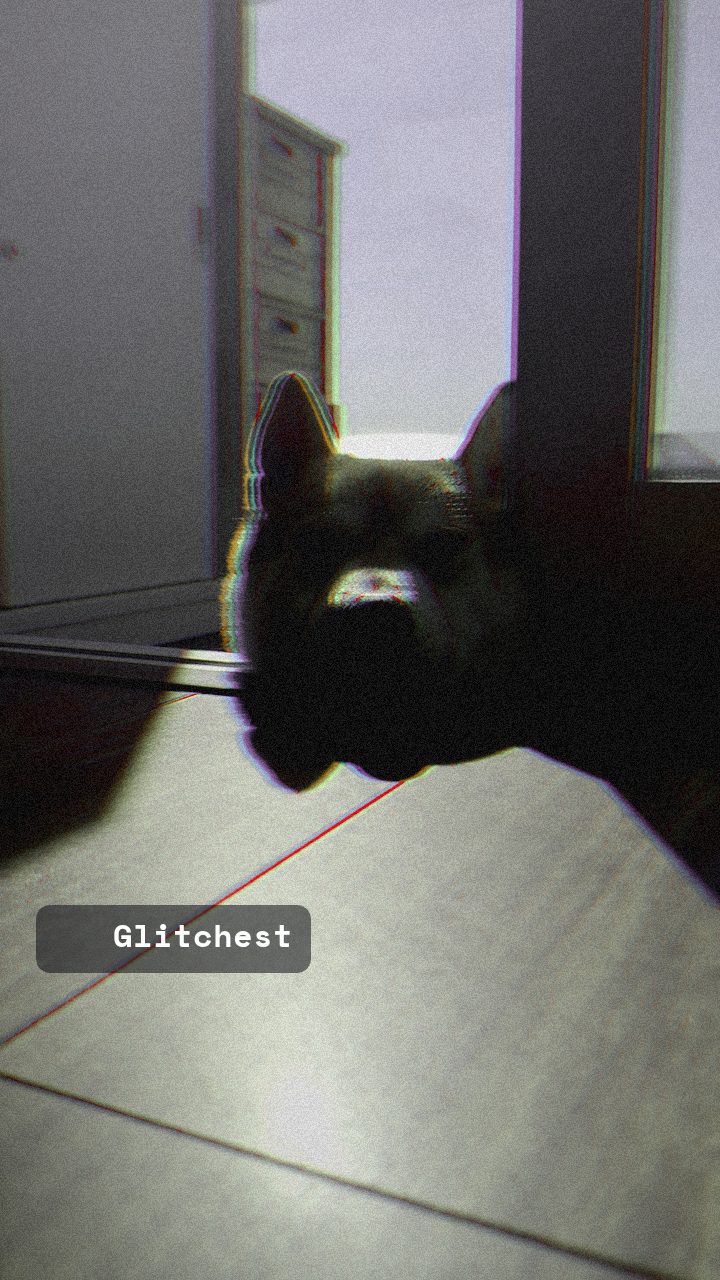 AFTER
AFTERWhy this look works
The Mechanics of Cursed Compression
The core engine of any deep fried edit is the violent interaction between contrast and color boost. Cranking the contrast crushes shadow detail and blows out highlights into pure white clipping, while pushing the color intensity forces midtones to bleed wildly across the visual spectrum. This destroys natural color balance, giving the footage that heavily re-saved, multi-generation JPEG appearance.
RGB splitting and subtle hue shifts add the signature digital decay. The chromatic separation pulls color channels apart at high-contrast edges, mimicking cheap optical sensors under stress, while the hue shift tilts skin tones and skies into unnatural territory. Finally, high digital noise fills the blown-out white regions and crushed blacks with grain, preventing flat color blocks and completing the unhinged aesthetic.
The recipe
From a clean image, set:
| RGB Split | 40 |
| Hue Shift | 12 |
| Color Boost | 70 |
| Contrast | 65 |
| Noise | 44 |
Everything else stays at its default — tweak it, then copy your own look as JSON or a link from inside the editor to share it.
What footage suits it
Because deep frying relies on extreme visual clipping, your raw source material dramatically impacts the final visual chaos:
- High-contrast portraits: Facial expressions and reaction shots with strong directional lighting create aggressive white clipping on foreheads and cheekbones.
- Saturated primary colors: Clips featuring bold reds, blues, or yellows will bloom violently when color boosted, yielding vivid artifacts.
- Slightly blurry or low-res clips: Starting with already compressed web footage amplifies the artifacting for maximum cursed energy.
Avoid clean, low-contrast footage shot on flat log profiles, as flat lighting resists the aggressive clipping required for this look.
Common mistakes
- The image becomes a solid, unreadable smear: Dial back Color Boost slightly to restore subject readability while keeping the harsh contrast intact.
- Edges look too clean and vector-like: Push Noise higher to shatter crisp edges and fill flat color patches with digital static.
- The visual looks washed out rather than aggressive: Increase Contrast to force hard clipping between highlights and crushed dark tones.
When to use it
This ultra-aggressive look excels when high visual impact and ironic humor are the main goals:
- Ironic YouTube thumbnails: Catch immediate attention in saturated feeds with blown-out faces and extreme color pops.
- Short-form reaction clips: Elevate comedy punchlines on TikTok and Reels with sudden cursed visual distortion.
- Discord and forum shitposts: Transform standard screenshots and reaction GIFs into heavily fried internet artifacts.
Load your media into the editor, apply the controls, and tweak RGB Split higher if you want extra optical distortion. If you ever need to pivot to a cleaner, vintage look instead, explore our guide on the Subtle Film Grain Look Recipe for Cinematic Video Edits.
Recreating the Classic 🅱️ Meme and Deep Fried Aesthetic
The classic B meme deep fried style originated from repeatedly screenshotting, over-filtering, and heavily compressing images until glowing red emojis, laser eyes, and harsh edge halos took over. In Glitchest, you can reconstruct this iconic deep fried aesthetic deliberately on both static stills and video clips without degrading footage through dozens of re-uploads.
To build the look manually on your media:
- Crank saturation and contrast near 100 on the adjustment knobs to crush the blacks and blow out the highlights.
- Stack the Sharpen and Noise effect boxes along your timeline, using the fade handles to snap the frying into full force at the punchline.
- Add a subtle chromatic aberration or color channel shift to mimic the low-quality RGB splitting found on repeatedly compressed forum images.
Once your graphic hits peak distortion, use Save Frame to grab a high-impact PNG for image boards, or hit Export to generate a chaotic MP4 video loop.
Try it now — add this look to your own clip, free and in your browser.
Open the editor →FAQ
Why does my deep fried edit look too dark or muddy?
Heavy contrast adjustments crush shadow detail into total black. Keep source brightness higher or pull back contrast slightly to keep key subjects visible.
How do I keep text readable when deep frying an image?
Burn white text with a thick black outline onto your asset before editing, as high-contrast borders remain clear even through heavy noise and color shifts.
Does this look work well on moving video clips?
Yes, applying these controls to video causes dynamic noise and chromatic fringing to shift continuously across frames, producing an energetic, chaotic rhythm.
What is the deep fried aesthetic?
The deep fried aesthetic is an internet art style marked by extreme color saturation, blown-out contrast, heavy compression artifacts, and intense digital noise. You can recreate this degraded, surreal look on your photos and videos for free directly in your browser with Glitchest at /app/.
What is the deep fried B emoji meme and how do you make it?
The deep fried 🅱️ meme pairs the red B button emoji with hyper-distorted, high-contrast, and over-sharpened visuals for chaotic internet humor. You can make your own by layering emoji graphics over your media and cranking up the saturation, exposure, and glitch filters in Glitchest at /app/.