Subtle Film Grain Look: Add Free in Your Browser
Not every project demands heavy VHS glitching or aggressive datamoshing. The Subtle Film Grain look adds a whisper of warm organic texture and gentle highlight softening to crisp digital footage. It bridges the gap between modern high-resolution capture and timeless cinema stock, making your edits feel polished, tactile, and intentionally crafted without distracting your audience.
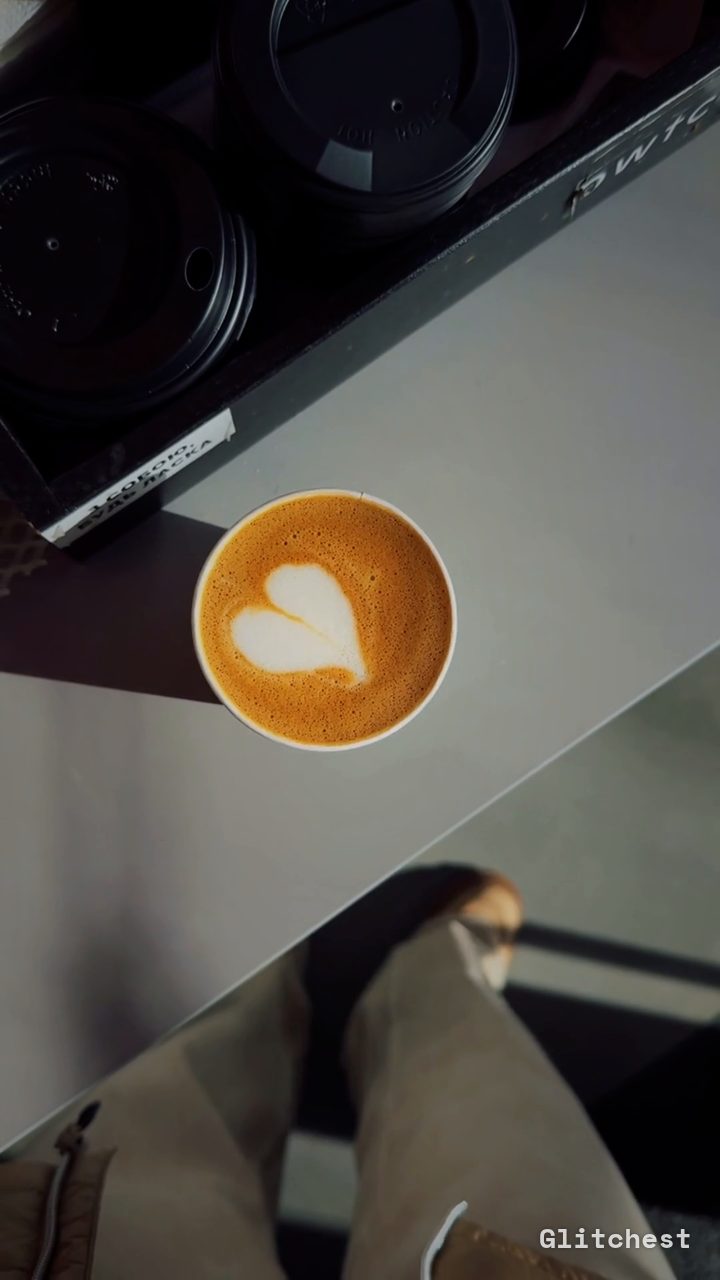 BEFORE
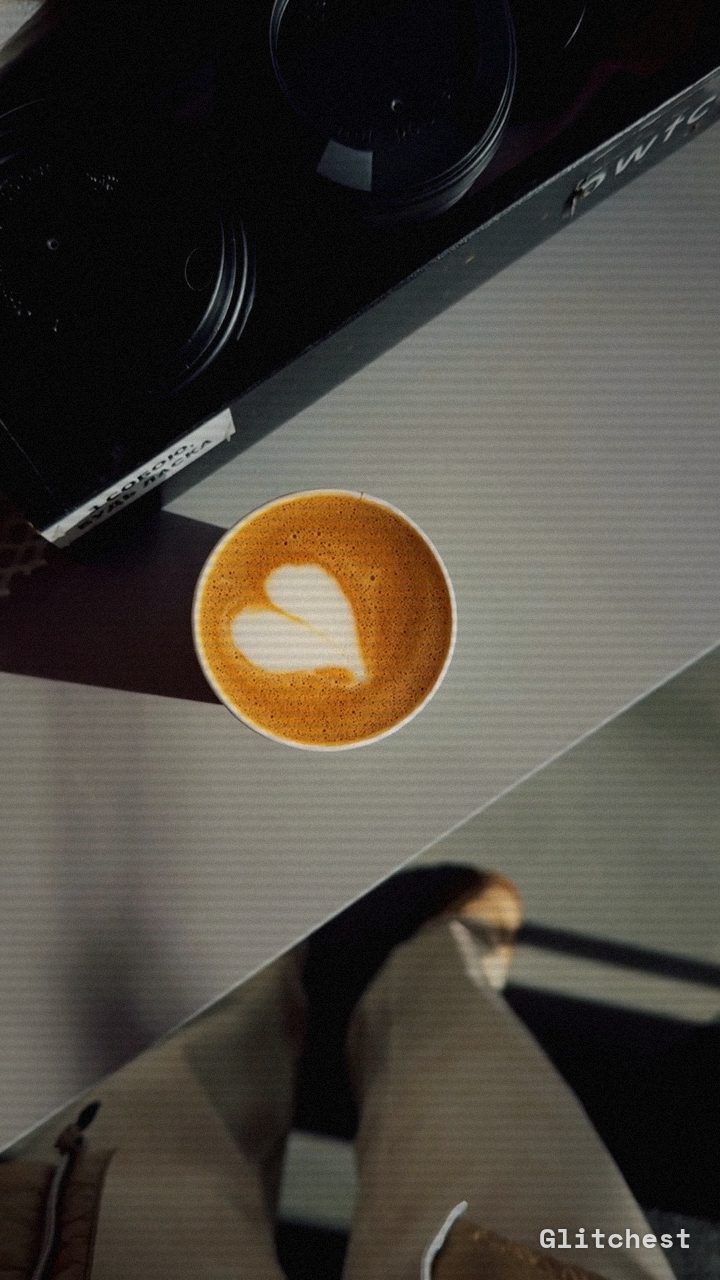 AFTER
AFTERWhy this look works
Deconstructing the Tactile Aesthetic
Digital camera sensors capture clean, clinical footage that can sometimes feel cold or overly sharp. By pulling back harsh digital contrast and laying down a fine grain layer, you mimic the natural emulsion of 35mm film. The subtle color shift warms up shadow tones just enough to remove that digital blue tint while preserving natural skin tones.
The secret lies in balancing organic noise with soft micro-lines. Pushing grain too high transforms footage from cinematic to corrupted, while keeping scanlines faint creates horizontal structure that softens pixel-sharp edges. Lowering contrast slightly prevents shadows from crushing, allowing the grain to nestle smoothly into midtones where real film texture naturally lives.
The recipe
From a clean image, set:
| Retro (era) | 2002 |
| Contrast | 58 |
| Sepia | 10 |
| Noise | 22 |
| Scanlines | 14 |
Everything else stays at its default — tweak it, then copy your own look as JSON or a link from inside the editor to share it.
What footage suits it
This understated look shines best when applied to clean, well-lit media that needs an extra layer of organic soul:
- Talking-head interviews: Softens digital skin textures and harsh studio key lights.
- B-roll with steady motion: Smooth camera tracking or gimbal shots emphasize the fine, dancing grain structure.
- High-contrast exterior shots: Daylight footage benefits from slightly compressed tones and softened highlight roll-off.
- Flat color profiles: Clean color-graded clips handle the subtle warmth without clipping shadows.
Avoid using low-resolution clips with existing digital noise or heavy compression artifacts, as added grain will amplify digital mud rather than smooth it out.
Common mistakes
- The footage looks like a gritty 90s camcorder edit instead of film stock: You pushed the Noise slider too far. Ease back on Noise until the texture feels like atmospheric grain rather than digital static.
- Skin tones look unnatural or jaundiced: The Sepia control is dialed too high. Lower Sepia slightly to keep skin tones natural while preserving warm highlights.
- The frame looks like an old CRT monitor: Your Scanlines setting is overpowering the shot. Dial back Scanlines so the lines blend invisibly into the grain texture.
When to use it
The Subtle Film Grain treatment is designed for high-value projects where subtlety is key:
- Corporate videos & brand films: Gives interviews and product showcases a premium, documentary-style finish.
- Polished daily vlogs: Elevates standard mirrorless footage into cohesive aesthetic vlogs.
- Music video B-roll: Blends modern digital shots seamlessly with archive or stylized footage.
- Social media promos: Keeps promo clips looking high-budget and refined across feeds.
To try this look instantly, drop your video into the editor and set up the recipe controls. If you want to push your aesthetic into bolder retro territory later, check out our guide on How to Get the Y2K Aesthetic on Your Videos (Free) for early-2000s camcorder styles.
Try it now — add this look to your own clip, free and in your browser.
Open the editor →FAQ
How do I keep the grain subtle without making the video look low-quality?
Keep the noise control restrained and compress contrast slightly so the grain embeds smoothly into midtones rather than creating harsh digital static.
Will this subtle film grain look work well on dark low-light footage?
Low-light footage already contains digital sensor noise, so keep added noise very light to avoid muddying shadows and destroying shadow detail.
Can I apply this film grain recipe to still photos?
Yes, you can process high-resolution stills in Glitchest to render the exact same warm film emulsion texture onto image files.